
Two scoops, one pink wall.
121
Connect a TikTok account through TikTok's own permission screen, choose which videos publish, style the feed in a design studio with 40 layouts and 16 themes, and paste one snippet into any site builder. Every cover is shown whole: vertical stays vertical in a grid, wall or list, and a sideways strip fits the cover inside a square box instead of cutting anything off it.
7-day full trial, no credit card. The free plan stays free.


Sugarfell Dessert Bar, 14 Ambrey Row, is a demo account we invented for these mockups. The business, the handle and the address are all made up; the tiles, the badge and the counts are the widget's.
Most of the question is whether it will look right on your site, and you should not have to hand over an email to find out. Switch layouts, try themes, turn captions, dates, avatars and badges on and off, and watch the same feed restyle as you click. Connecting your own account comes later, on TikTok's own permission screen.
Two scoops, one pink wall.

Twenty six seconds and the whole bar went quiet.
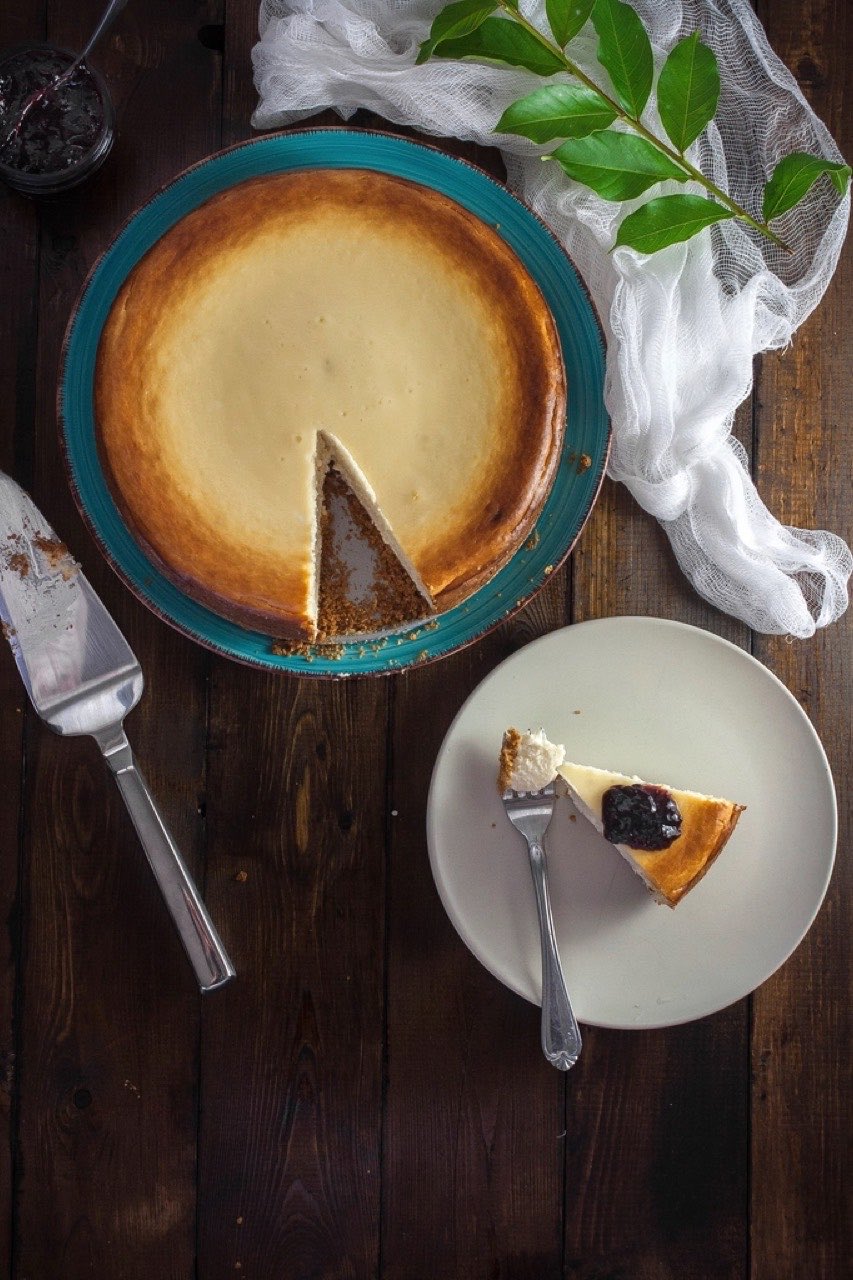
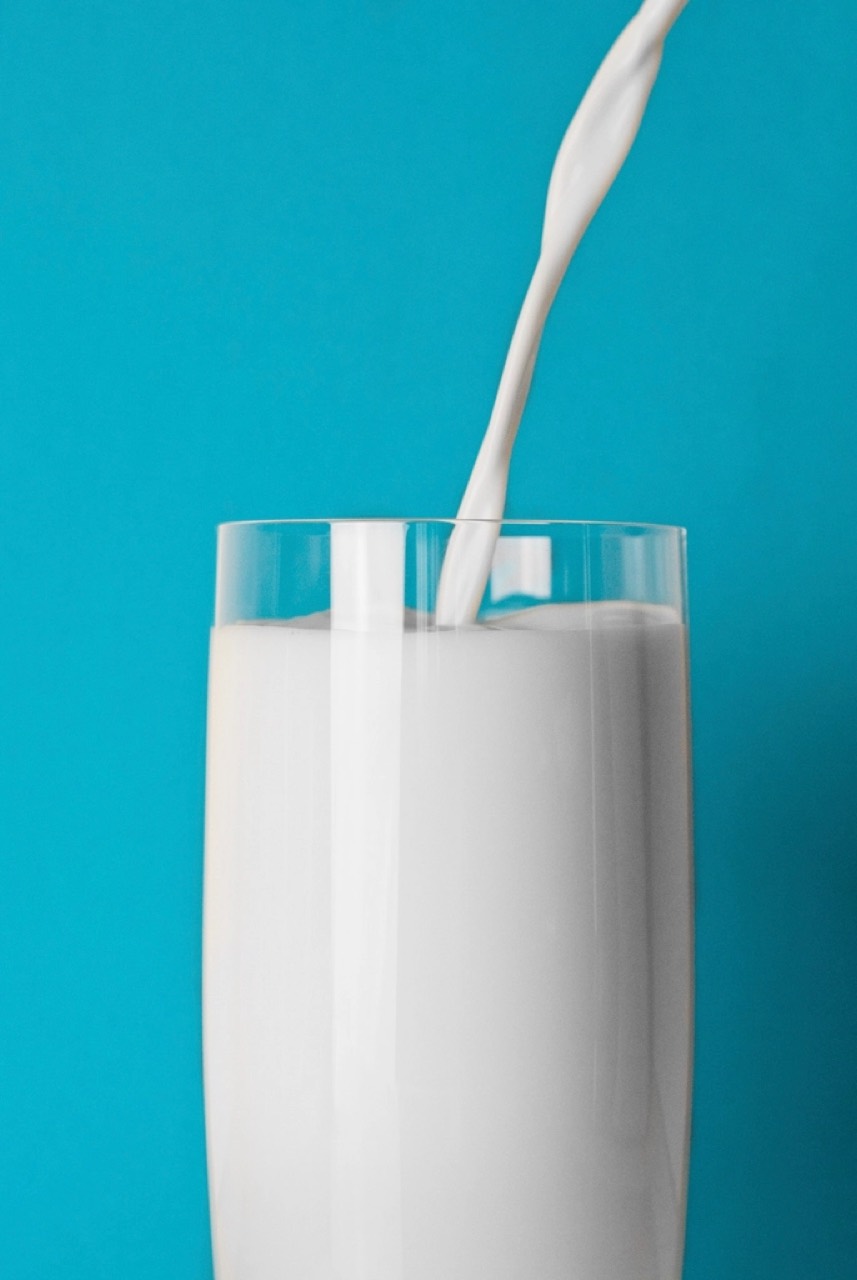
Teal wall, cold glass, one stream that would not sit still.
Icing sugar, every single time.
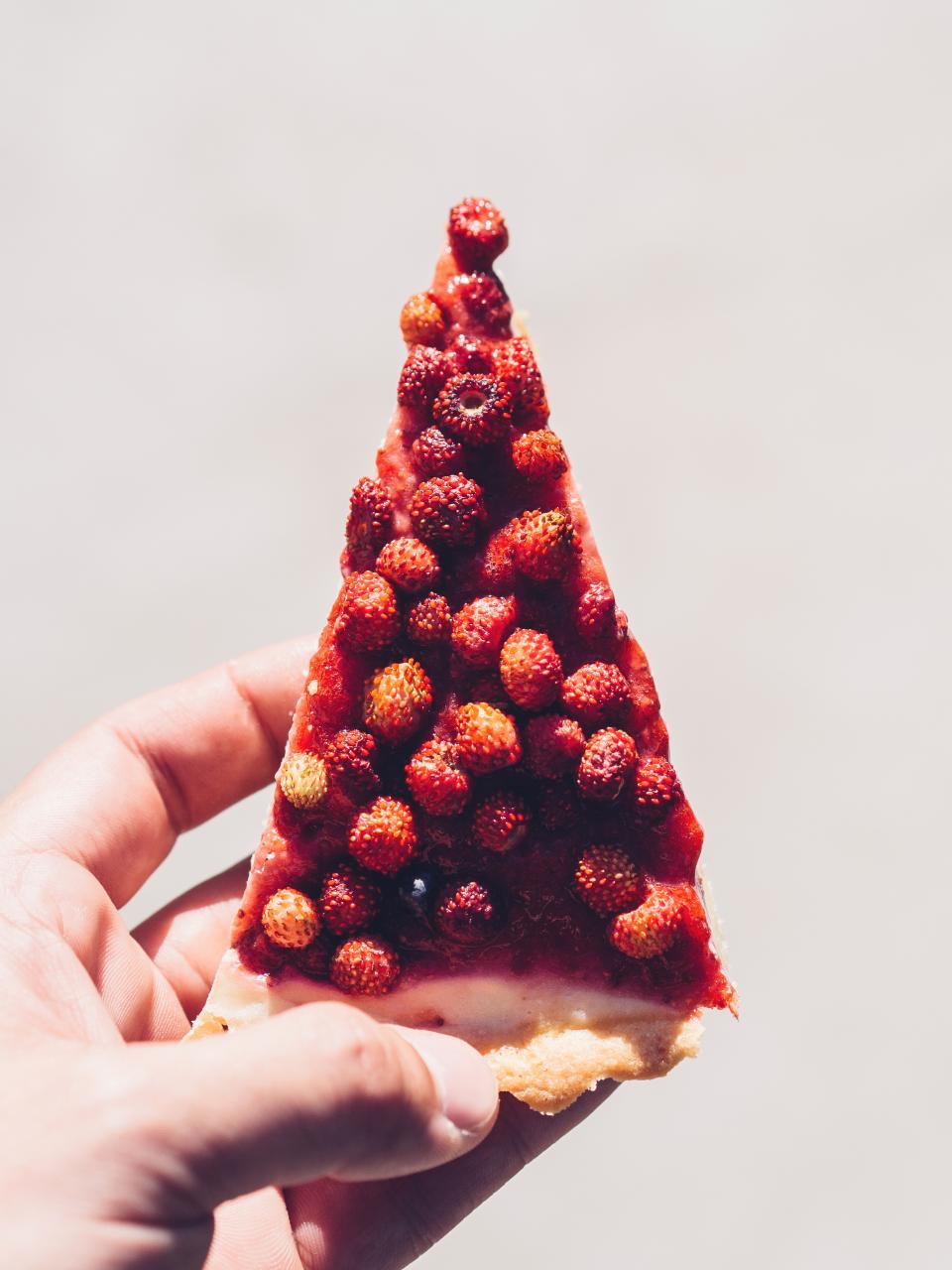
Wild strawberry tart, held up to the light.
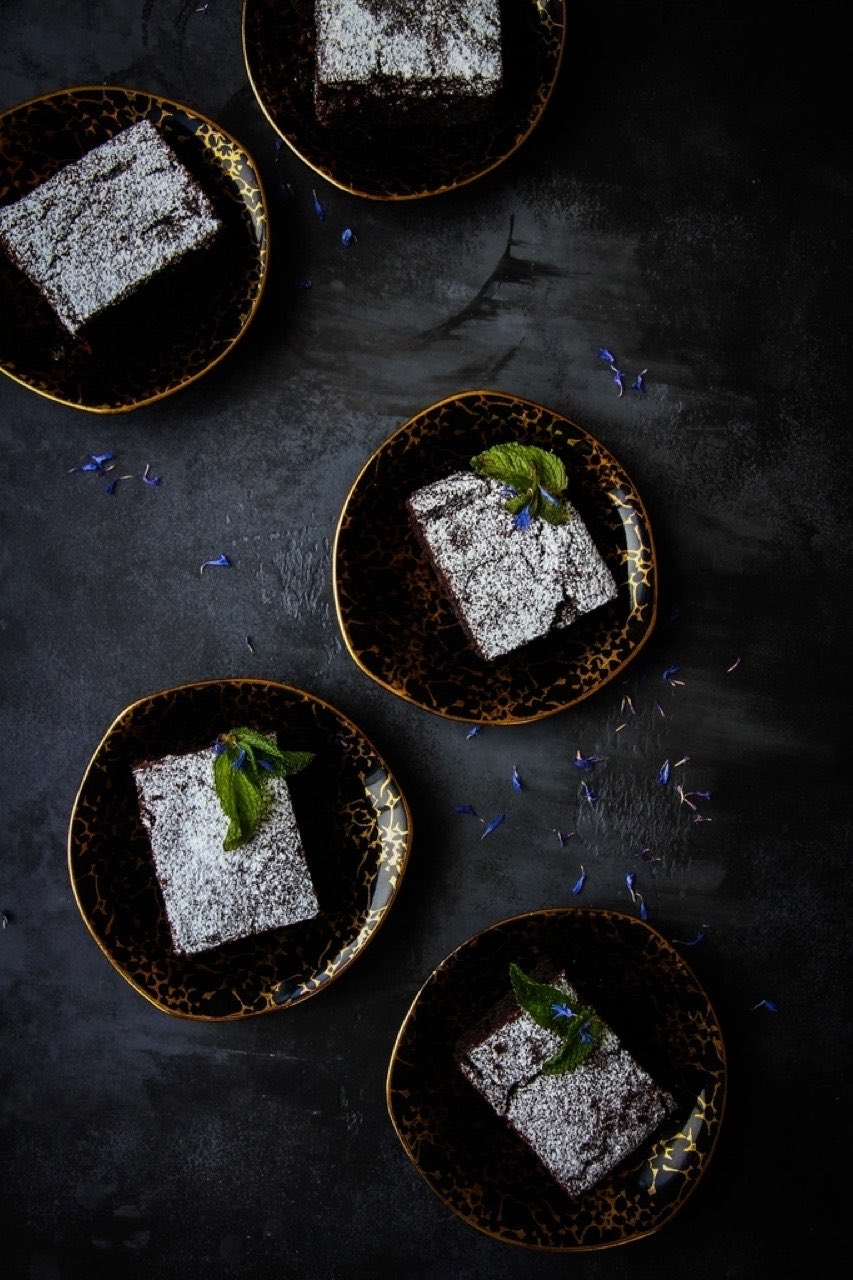
Five brownies, one very dark table.
Grid. Even rows, every post the same size. The safe default for a page section.
Build this with your own feedA preview, not the live renderer: the theme colours are read from the product’s own theme definitions and the layout names are the real ones, but the shapes here are drawn for this page. Some of them crop to a square, and that is the drawing rather than the product: in a grid, wall or list the real widget renders a TikTok cover at its own 9:16, and in a sideways strip it fits the whole cover inside a square box with bars down the sides so the row keeps its height as covers load. Nothing is cropped either way. The studio itself carries 40 layouts and 16 themes, a theme builder on every plan, and renders the actual widget as you edit. Sugarfell Dessert Bar is a demo account we invented, its address is invented too, and the photographs are CC0 stand-ins.
A TikTok cover is a portrait frame, and the fastest way to make a feed look borrowed is to crop it into a landscape box. The default card never crops. In a grid, wall or list it asks for the image's own ratio, so a cover fills the card width at the proportions it arrived in, with nothing trimmed off the top and no bars down the sides. In a sideways strip it scales the whole cover into a square box instead, so the row keeps its height as covers load.






A widget can put anything on a tile. What it should put there is whatever the platform actually gave it, and nothing else. Here is the whole list for a TikTok post, including the fields that are fetched and stored and still never reach your page.
Beetroot latte. Pink the whole way down.
Sugarfell Dessert Bar, 14 Ambrey Row, is a demo account we invented for these mockups. The business, the handle and the address are all made up; the tiles, the badge and the counts are the widget's.
The studio ships 40 layouts and every one of them accepts a TikTok feed. Two are named after it: Classic TikTok, below, and TikTok Collage, a four-column bento where one video leads at double size. Both sit on the paid plans, which is worth knowing before you plan a page around one.
@sugarfellThe swirl does all the work. We just held the jug.@sugarfellRound the block before it beat us. It nearly beat us.@sugarfellRosetta on the first try. Nobody ask about the second.@sugarfellIcing sugar, every single time.@sugarfellFour eclairs and a swan. The swan took longest.@sugarfellCroissant, truffles, and the crumbs we did not sweep.Three things about this integration are worth stating plainly, because two of them are limits and the third is the reason a feed does not quietly die after a day.
The authorisation screen is TikTok’s, and it asks for exactly two scopes: basic profile, and video list. Nothing about anyone else’s account, nothing about your inbox, nothing about posting on your behalf. We hold a token and never a password.
TikTok's Video List endpoint hands back 20 videos per request, so when you connect we walk five pages and import your latest 100, which is as many as an embedded feed loads at once. Every sync after that brings the newest 20, and videos already imported stay in your feed, so it keeps growing rather than being capped.
Which would mean a feed that quietly stops after a day. Every fetch checks the token first and renews it if it has run out, and because TikTok issues a new refresh token each time, the new one is stored before anything else happens.
Everything imported waits as a card: approve it, pin it to the front, remove it, or edit the caption inline. A feed pulled from a phone camera is a feed with off days in it, and a business site is exactly where you want a hand on the gate.
Four steps, in the order you meet them, each shown with what it actually produces. None of them needs a developer, and the first one is the only place TikTok is involved.
Sign up free, create a feed, add TikTok as a source and authorise it on TikTok’s own screen. The token it hands back expires every 24 hours and is refreshed for you, so a working feed stays working without anyone logging in again.
No credit cardTikTok's own login and permission screen opens from here. It asks for two things and nothing else: your basic profile and the list of your own videos. We never see or store a password.
Imported videos land on the Collect page as cards with approve, pin and remove controls, and you can edit the caption text inline. Nothing reaches your visitors that you have not chosen to show them.
You hold the approve buttonKeyword rules run on every plan and can screen a caption before this queue ever shows it to you.
Pick from 40 layouts and 16 themes, toggle dates, avatars, badges and captions, and watch the live preview restyle as you click. Two of the layouts are shaped for vertical video specifically.
Real renderer in the previewThe preview in the studio is the real widget, so the covers you approve here are the covers that ship.
Copy the snippet for your platform and paste it where the feed should appear. Plain HTML, WordPress, Webflow and React get a script, Shopify a wrapped one, Wix and Squarespace a self-resizing iframe, Notion and Google Sites a bare URL.
The dialog picks the right snippet<link rel="preload" as="fetch" …><div id="collectsocials-6b1d40e2"></div><script src="…/api/widget"data-feed-id="…" data-token="…"data-container="…" data-api-base="…"defer></script>Abridged: the dialog fills in your own ids and adds the feed-url attribute. Pick your platform there and the snippet changes shape to suit it.
A script tag is not universally installable: some builders sandbox custom code, others strip it. So the embed dialog asks where you are installing and hands out the right snippet for that host.
One script tag and one container div. The widget mounts in your page and renders inside a Shadow DOM, so its CSS and yours cannot interfere.
The same script with a page-width wrapper, because Shopify themes lay sections out with flexbox and would otherwise compress the container.
Both sandbox or strip custom scripts, so these get an iframe that resizes itself as content loads. No clipped tiles, no scrollbars down the side of a vertical wall.
Builders that cannot run scripts at all take a fixed-height frame by URL. Content scrolls inside it.
One feed can combine 10 platforms, so a vertical clip can sit beside a Google review, an Instagram photo and a YouTube video in the same section. Every platform is on the free plan except X (Twitter), which is premium for one reason: X charges for API access.
Booked the sunrise trip on the strength of the photos and it was better than the pictures. The guides knew exactly where to be and when.
 YouTube
Three days on the ridge trail, start to finish
 TikTok
The swings go right out over the water
Sunrise crew made the ridge before the storm broke. Whole set is up on the site now.
Lagoon day. Six boats out, nobody tipped in, and the water stayed that colour the whole afternoon.

Second trip with them this year. Everything ran on time and the small group size is the whole point.
 Instagram
Found the yellow wall. Obviously we danced at it.
 Instagram
Made the crest just before the sun did.
 Instagram
Up before the balloons were.
End of the festival, and they let the whole lot go at once. Nobody said a word for about ten seconds.

A demo feed for an invented brand, showing 6 of the 10 live sources in one wall. The posts, reviewers and engagement numbers are illustrative, not product metrics. Every field on these cards is one the widget really renders, but the wall itself is drawn for this page rather than served by the widget.
It is on the free plan, with the same 100-video import and 20 videos a sync everyone gets, because pulling from TikTok costs nothing and is not a lever for us to pull. What you pay for is layouts, sources and how often the feed refreshes.
Create a feed, add TikTok as a source, and authorise it on TikTok’s own permission screen. Your recent videos import as cards you approve, pin or remove, you choose a layout and a theme, and the embed dialog hands you one snippet to paste where the feed should appear. From then on the page keeps up with the account without anyone touching the code again. The full walkthrough, step by step, is in our guide to embedding a TikTok feed.
The whole cover is shown, and which shape the card takes depends on the layout. In a grid, wall or list the card takes the ratio TikTok gave it, so a vertical cover fills the card width with nothing trimmed off the top and no bars down the sides. In the sideways scrolling strips (carousel, marquee, conveyor, coverflow, slider, ribbon, Facebook slideshow and platform feed) the cover sits inside a square box and a 9:16 cover gets bars down the sides, because the cards in a strip share their rows and a row that resizes as photos load pushes your page down. Nothing is cut off either way. The Classic TikTok layout pins every frame to exactly 9:16. Two things do crop: the TikTok Collage layout, whose bento cells are square, tall or wide by design, and any card template you switch to that sets a fixed ratio of its own.
A tile shows the cover image and stays still until someone clicks it. The click opens a lightbox on your page which loads TikTok’s own embed player, so the video plays in TikTok’s player rather than in a copy of it, and the view counts on TikTok’s side keep working the way TikTok counts them. Nothing autoplays and nothing plays sound before a visitor asks for it.
No. The card shows likes, comments and shares, and that is the whole list. A view count is fetched from TikTok and stored on the post, and no part of the widget ever draws it, so putting one on a mockup or a marketing page would be inventing a feature. If you need view counts on your site today, this is not the tool for that job. The same goes for a duration badge and for the name of the sound a video used.
Your latest 100 when you connect, then 20 per sync. 20 is the most TikTok’s Video List endpoint returns in one request, so the first import walks five pages of it. Videos already imported are kept rather than replaced, so the feed grows past that over successive syncs. How many of them the widget shows is a Design Studio setting. How often those syncs run is the plan: every 24 hours on the free plan, hourly on Pro, every 15 minutes on Business and every 10 minutes on Scale.
Two: your basic profile, which is the display name and avatar the cards use, and the list of your own videos. That is the entire request, and it is made on TikTok’s own authorisation screen rather than anywhere in our interface. We never see your password, and the access token TikTok issues is refreshed automatically rather than asking you to reconnect every day.
Every imported video waits on the Collect page as a card with approve, pin and remove controls, and you can edit the caption text inline. Keyword rules run on every plan and can screen a caption before it ever reaches that queue. AI vision moderation, which looks at the cover image itself, is on Business and above.
WordPress, Shopify, Wix, Squarespace, Webflow, Notion, Google Sites, plain HTML and React. The embed dialog asks where the widget is going and hands out the right snippet for that host, because some builders sandbox custom scripts and others strip them out. WordPress can skip the code entirely with our plugin.
Yes. TikTok is not a paid add-on: it is on the free plan along with every other platform except X (Twitter), which is premium for one reason, which is that X charges for API access. The free plan includes 7 of the 40 layouts, all 16 themes and the theme builder, full moderation, and 1 connected source once the trial ends. The two layouts named after TikTok are on the paid plans. The 7-day trial opens the full design studio with no credit card.
Yes. One feed can combine 10 platforms, so a vertical clip can sit beside an Instagram photo, a Google review and a YouTube video in the same section. For a shop or a bar that is usually the point: the clip shows the thing being made and the review says it was worth queuing for.
Connect TikTok, approve what shows, pick a layout, paste one snippet. The 7-day trial covers the full design studio and asks for no card.
Works with WordPress, Shopify, Wix, Squarespace, Webflow, Notion and plain HTML. Sugarfell Dessert Bar is a demo account we invented for the mockups on this page.