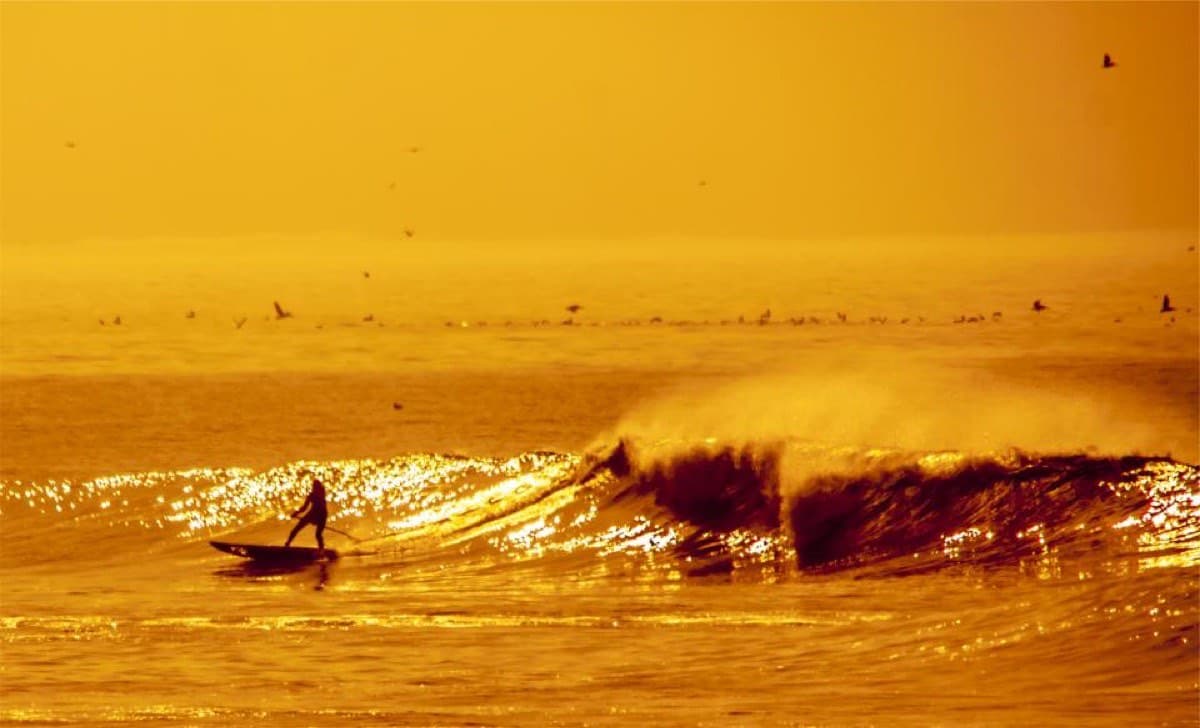
Golden hour turned the whole line-up to bronze.
68
Every post, photo and review about your business, pulled into one feed you curate and placed on your site with a single line of code.
No credit card·Free plan included·Cancel anytime





Best flat white on the high street, and they already know my order by Wednesday. The corner table by the window is worth the wait.
Priya S.Fernbrook Coffee is a demo brand. Photos from Unsplash.
You already earned the reviews, the followers, the views. The only thing missing is putting them where your buyers are — your website.
The three quotes you pasted onto your homepage last year are still there, word for word. Visitors can tell — and nothing erodes trust faster than social proof that clearly stopped moving.
Five-star Google reviews, YouTube videos, posts that took off — scattered across platforms your website visitors never open. The people closest to buying see none of it.
Every platform has its own embed code, its own look, and its own way of breaking. Stack a few of them on one page and you get a slow site that looks stitched together.
From empty page to a live, self-updating social feed — before your coffee gets cold.
Link YouTube, Facebook, X, Google Reviews, TikTok, RSS and more. Your accounts stay yours — CollectSocials only reads posts, it never publishes for you.
Do I need a developer? No.Approve, pin, or hide posts by hand — or set keyword rules and let the AI content filter catch spam and profanity before anything reaches your site.
Runs on autopilot after setup.Paste one line of code into Shopify, WordPress, Webflow, Wix, Squarespace or plain HTML. New posts appear on your site on their own from then on.
Feeds refresh automatically.Most of the question is "will it look right on my site", and you should not have to hand over an email to find out. Switch layouts, try themes, turn captions, dates, avatars and badges on and off, and watch a feed restyle as you click. Connecting a real account comes later.
Golden hour turned the whole line-up to bronze.

The canal does this every single night.

No footprints but ours.
Bought half of this. Regret none of it.

Made the crest just before the sun did.

The avenue held its blossom one more week.
Grid. Even rows, every post the same size. The safe default for a page section.
Build this with your own feedA preview, not the live renderer: the theme colours are read from the product's own theme definitions, and the layout names are the real ones, but the shapes here are drawn for the page. The studio itself carries 40 layouts and 16 themes, a theme builder on every plan, and renders the actual widget as you edit. Atlas & Pine is a demo account and the photos are CC0 stand-ins.
Every feature below answers a real objection we've heard from people embedding social feeds the hard way.
“It looks like a plugin, not my website.”
40 layouts, 16 themes, a theme builder, and the preview you edit is the real widget.
“The grid looks cramped on phones.”
Grid on desktop, swipeable carousel on a phone, set by the space it sits in.
“What if someone posts something awful?”
Keyword rules and an AI filter screen every post. You still approve, pin or hide.
“I want the client to sign off first.”
Send a link of your design. No account needed, nothing live until you say so.
“Every tool charges per seat.”
Invite the whole team with roles controlling who edits what. Unlimited on every plan.
“Will it even work on my site?”
Shopify, WordPress, Webflow, Wix, Squarespace, plain HTML. Iframe-only hosts get their own embed URL.
It's what happens when a stranger's photo hits a venue screen, and when the creator behind it changes their mind. Both are engineering problems. Here's how we solved them — and how you can check.
The venue screen gets its own renderer — eleven purpose-built wall modes, mosaic to ticker to stadium to leaderboard — not our website widget stretched to fullscreen. Pairing works like a console: open collectsocials.com/tv on the TV or projector, scan the code with your phone, pick a feed, and the screen switches itself — nobody types a URL into a remote. From the same QR, guests post photos, messages and questions without needing a social account, and vote in live polls while sponsor banners, a countdown and an agenda ticker rotate over the feed.
Generate a consent link for a post and you get a message ready for the creator’s DMs — no browser extension, nothing scripted onto your own Instagram account. They tap approve on a neutral page showing real, versioned terms, and the approval is recorded with the terms version, a server timestamp and an append-only trail.
Two questions worth asking any tool you compare us with: does its AI read the image, or only the caption? And what happens to the record when a creator deletes their approval?
“Our product pages convert strangers. They’d convert better if strangers saw real customers first.”
Put a feed of real customers using your products next to the buy button, and Google reviews where doubters can see them. Fresh proof, updated automatically, styled to match your store.
10+ sources in one grid. A Google review, a reel and a YouTube video side by side, without the layout falling apart.
Booked the sunrise trip on the strength of the photos and it was better than the pictures. The guides knew exactly where to be and when.
 YouTube
Three days on the ridge trail, start to finish
 TikTok
The swings go right out over the water
Sunrise crew made the ridge before the storm broke. Whole set is up on the site now.
Lagoon day. Six boats out, nobody tipped in, and the water stayed that colour the whole afternoon.

Second trip with them this year. Everything ran on time and the small group size is the whole point.
 Instagram
Found the yellow wall. Obviously we danced at it.
 Instagram
Made the crest just before the sun did.
 Instagram
Up before the balloons were.
End of the festival, and they let the whole lot go at once. Nobody said a word for about ten seconds.

A demo feed for an invented brand, showing 6 of the 10 live sources in one wall. The posts, reviewers and engagement numbers are illustrative, not product metrics. Every field on these cards is one the widget really renders, but the wall itself is drawn for this page rather than served by the widget.
The free plan isn't a trial — it's free. Upgrade only when you need more sources.
Every plan — including Free — comes with unlimited feeds, unlimited teammate seats, and all 16 themes plus the theme builder. Free covers 7 of the 40 layouts; paid plans add the rest, the custom card builder and the moderation tools. Pay yearly and two months are free.
Event walls and image-level AI moderation come with the Business plan — not quoted per event, per seat, or per sales call.
No. You connect your accounts in the dashboard, design the feed visually, and paste one line of code into your site. Shopify, WordPress, Webflow, Wix, Squarespace and plain HTML all work the same way.
No. The widget loads asynchronously alongside your page instead of blocking it, and feeds are served from a cache — your visitors never wait on a social network to respond.
YouTube, Google Reviews, TikTok, X (Twitter), Facebook, RSS and more — 10+ platforms and growing. You can mix any of them in a single feed.
Yes, three ways: approve, pin or hide posts manually; set keyword rules that filter automatically; and let the AI content filter catch spam and profanity before it ever reaches your site.
Yes. The same curated feed also runs full screen on a TV or projector in 11 wall modes. You pair the screen by scanning a QR code, so nobody signs into an account on the venue machine, and the pairing code expires after fifteen minutes. Anyone in the room can then post a photo, a message or a question from their phone with no app and no account, and vote in live multiple-choice polls that render as animated bars on the wall. A name and a consent tick are both required and both enforced on the server, and every submission can wait in a human moderation queue before it reaches the screen. Event walls come with the Business plan, and every team's first event runs free: a one-time 24-hour go-live window (one per team) you schedule from the wall settings, on any plan.
Yes, and it never expires. Signing up starts a 7-day trial with 3 connected sources and the paid design features. If you don’t upgrade, the account drops to the free plan and keeps your oldest source live for good, with the one exception that X (Twitter) sources need a paid plan once the trial ends. Nothing is deleted: the other sources pause with their posts and settings kept, and upgrading later switches them straight back on. On Instagram, Facebook and TikTok a paused source keeps its captions and links but its photos stop loading after a few days, because those networks sign their image links; the newest come back once it resumes.
Automatically, on your plan’s refresh schedule — paid plans check sources as often as every 10–60 minutes. Once a post is picked up it appears on your site on its own; you never re-publish or touch the embed code again.
Yes. Every plan includes unlimited teammate seats with role-based permissions, so designers, marketers and clients can collaborate without extra cost per seat.
Connect a source, pick a layout, paste one line of code. Your first feed can be live before your coffee gets cold.
No credit card · Free plan included · Cancel anytime