The Long Light
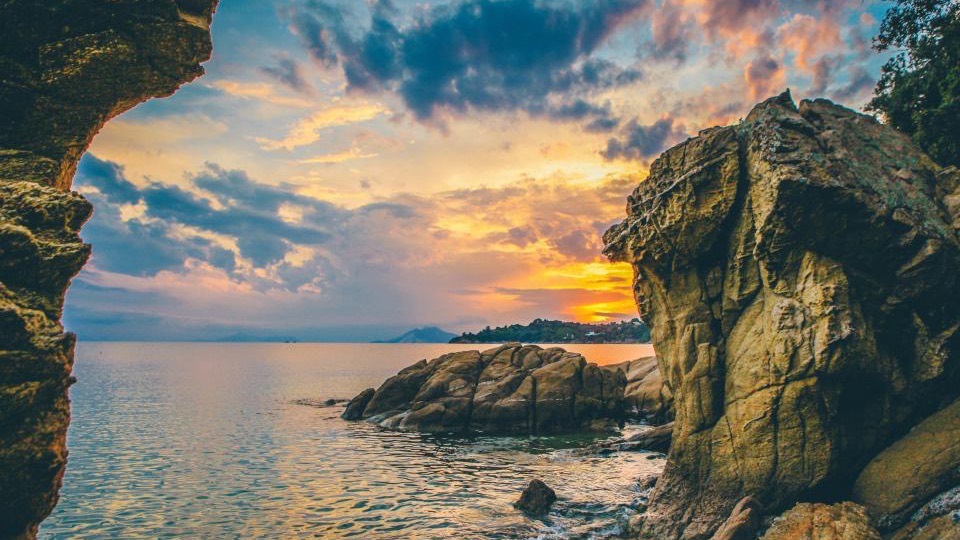
Nine evenings on the same headland waiting for one of them to do this.
Type a Vimeo username. That is the whole connect step: no sign-in screen, no permission dialog, no connection to renew, because the videos are read through our own application token rather than through your account. Style the result in a design studio with 40 layouts and 16 themes, paste one snippet into any site builder, and new uploads arrive on their own from then on.
7-day full trial, no credit card. The free plan stays free.
Nine evenings on the same headland waiting for one of them to do this.
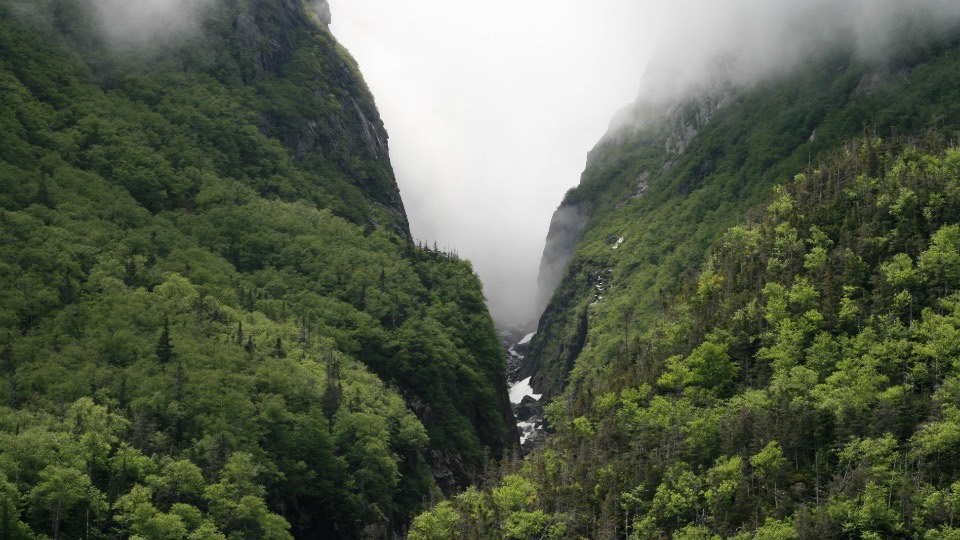
Cloud pours over that ridge for about ten minutes each morning.
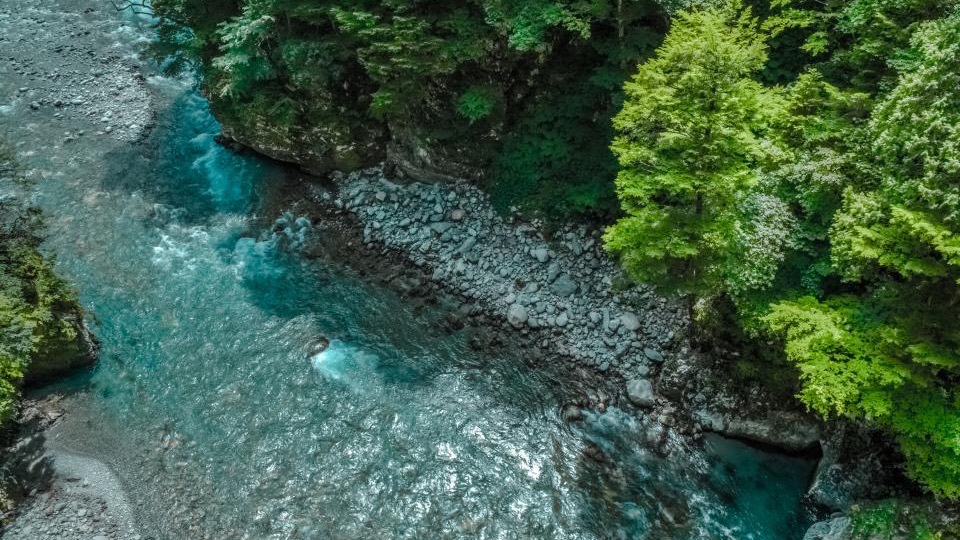
That colour is rock flour, not a filter. Straight off the ice.
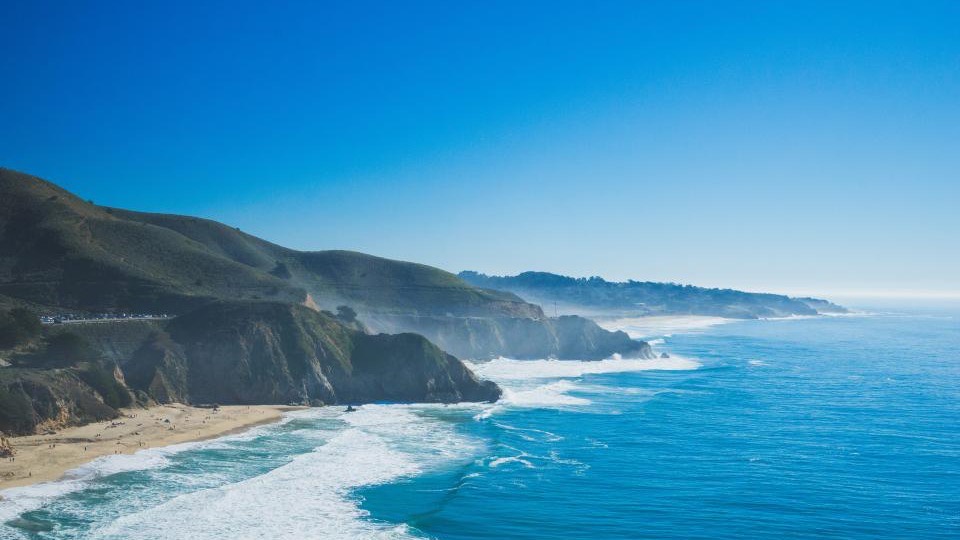
Opening shot of the coast film. No drone, just a very long lens.
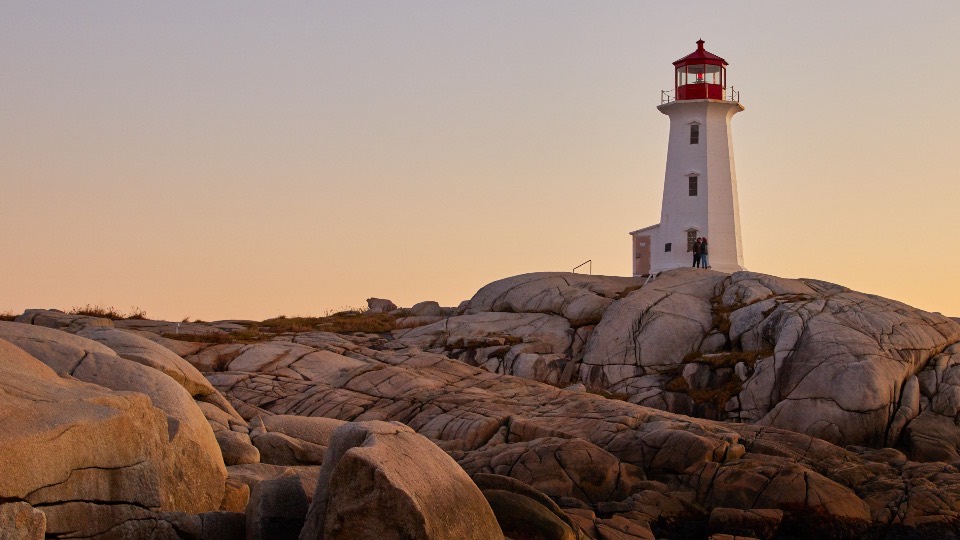
The light comes on at 8.14 and everybody on the rock turns round.
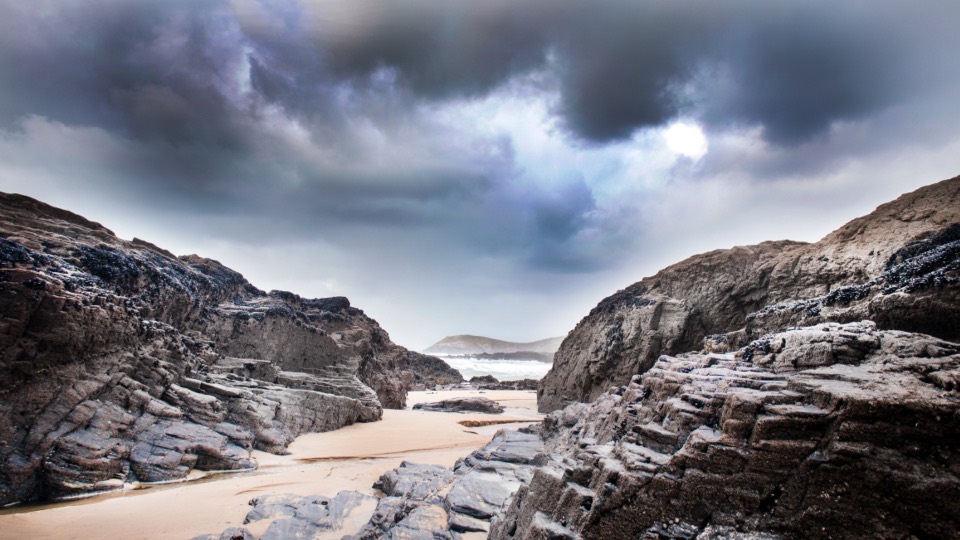
The front arrived four hours early and the whole shoot changed.
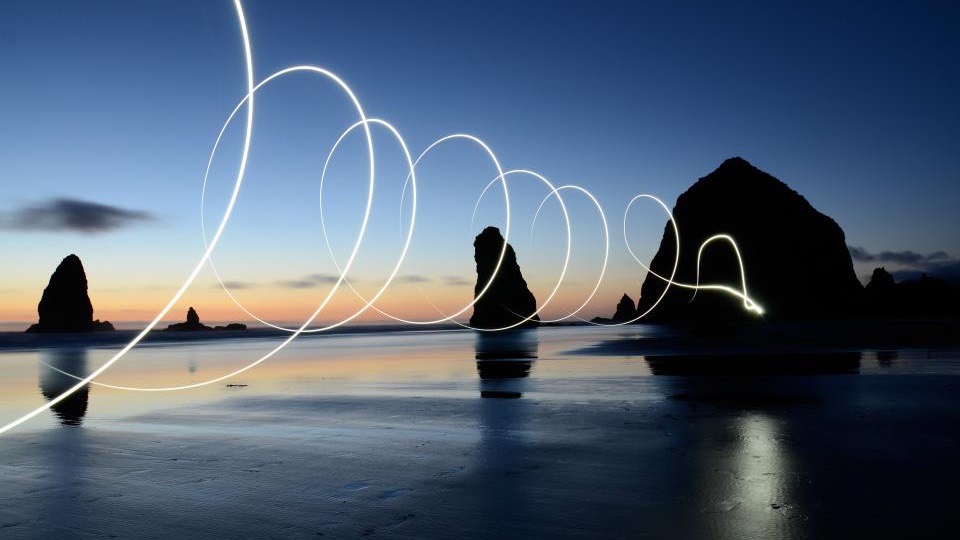
A torch, a tripod and someone walking backwards for ninety seconds.
@fennmoorFennmoor Films is a demo studio we invented for these mockups, and its address is invented too. The thumbnails, the titles, the play marks and the phone rendering are the widget's. The two numbers under a film are its Vimeo likes and comments, which are the engagement figures Vimeo's API returns; the values shown are illustrative.
Most of the question is "will it look right on my site", and you should not have to hand over an email to find out. Switch layouts, try themes, turn captions, dates, avatars and badges on and off, and watch a library restyle as you click. Pointing it at a real account comes later, and takes one text field.
Nine evenings on the same headland waiting for one of them to do this.
Opening shot of the coast film. No drone, just a very long lens.
Cloud pours over that ridge for about ten minutes each morning.
The front arrived four hours early and the whole shoot changed.
That colour is rock flour, not a filter. Straight off the ice.
The light comes on at 8.14 and everybody on the rock turns round.
Grid. Even rows, every post the same size. The safe default for a page section.
Build this with your own feedA preview, not the live renderer: the theme colours are read from the product’s own theme definitions and the layout names are the real ones, but the shapes here are drawn for this page. Some of them crop to a square, and that is the drawing rather than the product: a Vimeo thumbnail is widescreen, and in a grid, wall or list the real widget keeps it that way. In the sideways scrolling strips it is scaled to fit a square box with bars above and below, so the row does not resize as thumbnails load. Nothing is cropped in either case. The studio itself carries 40 layouts and 16 themes, a theme builder on every plan, and renders the actual widget as you edit. Fennmoor Films is a demo studio we invented, its address is invented too, and the frames are CC0 stand-ins. The number on a card is a Vimeo like count.
The usual way a site handles Vimeo is a single embed, pasted into a page once and quietly out of date by the third film. The wall below is the other option: the account itself, on your domain, in your colours, keeping up with the account without anyone opening the page editor again.
Nine evenings on the same headland waiting for one of them to do this.
That colour is rock flour, not a filter. Straight off the ice.
A torch, a tripod and someone walking backwards for ninety seconds.

Minus nine, one battery, and the stream still had not stopped.
Opening shot of the coast film. No drone, just a very long lens.
The front arrived four hours early and the whole shoot changed.
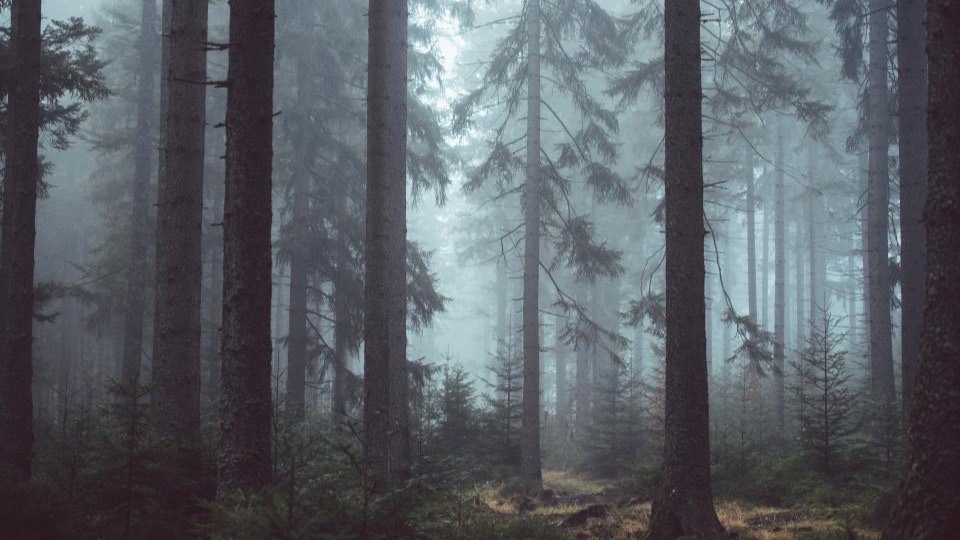
Fog does the grading for you if you get there early enough.
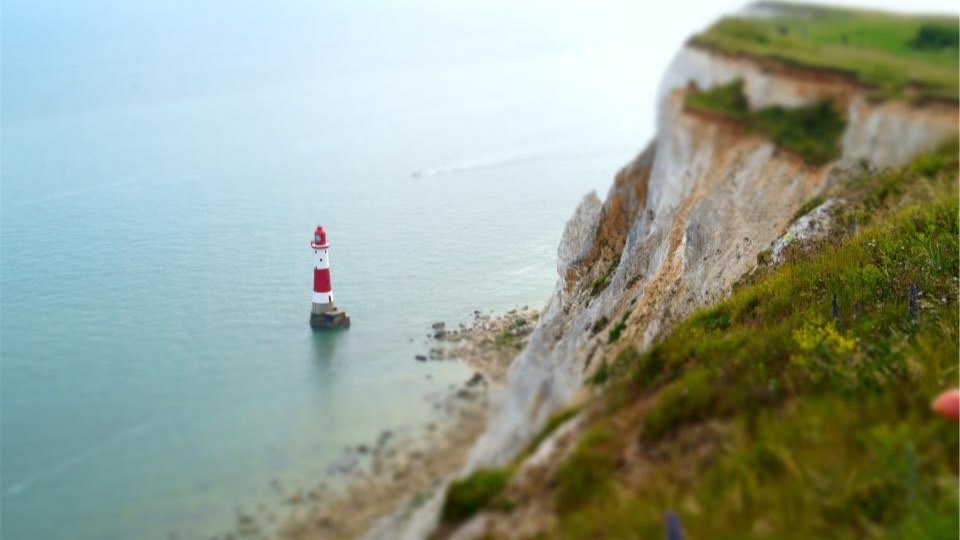
Shot lying down on the cliff edge, which we do not recommend.
Cloud pours over that ridge for about ten minutes each morning.
The light comes on at 8.14 and everybody on the rock turns round.
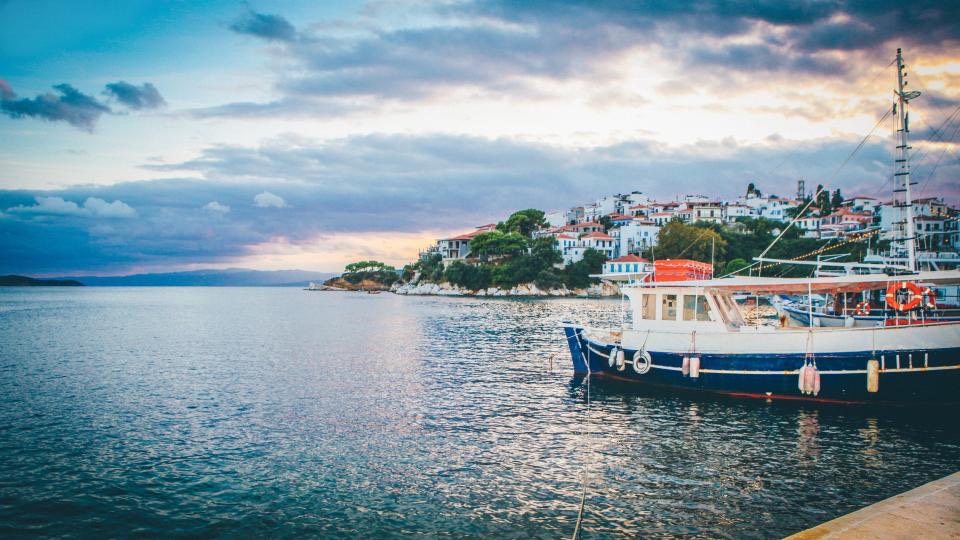
Twenty minutes of a harbour going quiet, cut down to four.

Behind the scenes: everything on this bench has been in a film.
Vimeo is the shortest setup of any platform here, because there is no authorisation step in it at all. It is also on the free plan, because every platform here is except X.
fennmoorvimeo.com/fennmoorvimeo.com/824193077That field is the whole connect step. There is no Vimeo login screen and no permission dialog, because the widget reads public videos through a server-side application token rather than through your account. Paste a single video URL instead and the lookup resolves it to whoever posted it.
The goal of a good feed widget is to look like it was always part of the page. 40 layouts, 16 themes, a theme builder that is free on every plan, and display toggles for dates, avatars, badges and captions. Here is one library under three of them, and a few of the rest are yours to click through further up.
FeaturedMeltwater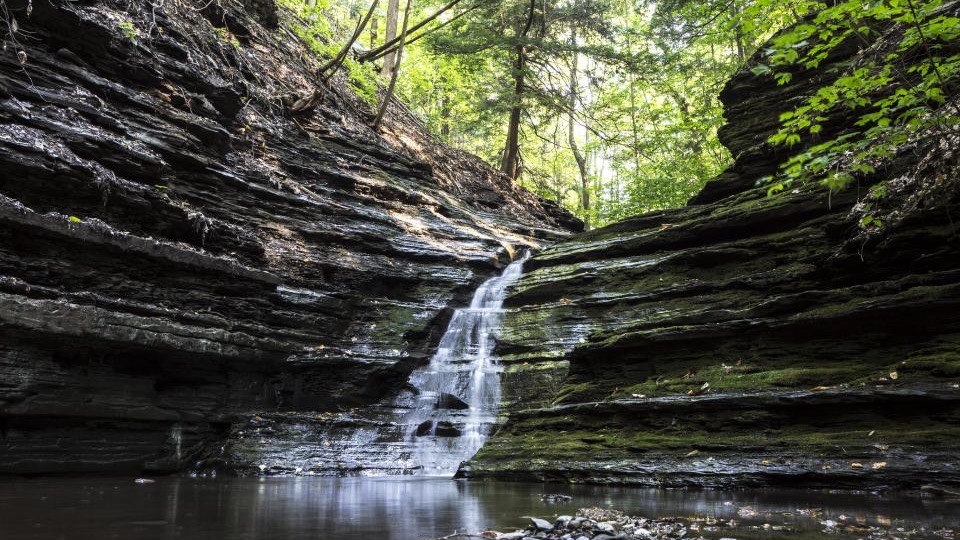
Four steps, in the order you meet them, each shown with what it actually produces. None of them needs a developer, and none of them opens a Vimeo screen, because none of them has to.
Sign up free, create a feed, add Vimeo as a source and type the username. A profile URL works, and so does the URL of any single video on the account: the lookup resolves that video to whoever posted it. No authorisation screen appears at any point.
No credit cardNo login screen opens from here, and no permission dialog either. Type the username and we read the account's public videos through our own Vimeo application token. There is no password to see or store because none is asked for.
Imported videos land on the Collect page as cards with approve, pin and remove controls, and you can edit the description inline. Nothing reaches your visitors that you have not chosen to show them.
You hold the approve buttonKeyword rules run on every plan and can screen a video's title and description before this queue ever shows it to you.
Pick from 40 layouts and 16 themes, toggle dates, avatars, badges and captions, and watch the live preview restyle as you click. Two of the layouts are built for video specifically.
Real renderer in the previewThe preview in the studio is the real widget, so the thumbnails you approve here are the thumbnails that ship.
Copy the snippet for your platform and paste it where the feed should appear. Plain HTML, WordPress, Webflow and React get a script, Shopify a wrapped one, Wix and Squarespace a self-resizing iframe, Notion and Google Sites a bare URL.
The dialog picks the right snippet<link rel="preload" as="fetch" …><div id="collectsocials-9d3e15c8"></div><script src="…/api/widget"data-feed-id="…" data-token="…"data-container="…" data-api-base="…"defer></script>Abridged: the dialog fills in your own ids and adds the feed-url attribute. Pick your platform there and the snippet changes shape to suit it.
Every imported video waits as a card: approve it, pin it to the front, remove it, or edit its description inline. Keyword rules and an AI content filter can screen what comes in before you see it. That matters more here than on most platforms, because a Vimeo source can be pointed at an account you do not control.
A script tag is not universally installable: some builders sandbox custom code, others strip it. So the embed dialog asks where you are installing and hands out the right snippet for that host.
One script tag and one container div. The widget mounts directly in your page and renders inside a Shadow DOM, so its CSS and yours cannot interfere.
The same script with a page-width wrapper, because Shopify themes lay sections out with flexbox and would otherwise compress the container.
Both sandbox or strip custom scripts, so these get an iframe that resizes itself as content loads. No clipped feeds, no scrollbars.
Builders that cannot run scripts at all take a fixed-height frame by URL. Content scrolls inside it.
We do not publish speed-score leaderboards, because a widget's score depends on where it sits on the page and what the feed contains. What we publish instead is how the thing is built, which you can verify in your own DevTools.
The whole integration is one script tag and one div. Deferred means it never blocks your page from rendering.
A card is an image with a play mark on it. The Vimeo player only appears once a visitor asks for it, so a wall of twelve films costs twelve pictures.
The widget renders inside a Shadow DOM. Your stylesheets cannot break the feed, and the feed cannot break your page.
One feed can combine 10 platforms, so a film can sit beside a YouTube video, an Instagram post and a Google review in the same section. Every platform is on the free plan except X (Twitter), which is premium for one reason: X charges for API access.
Booked the sunrise trip on the strength of the photos and it was better than the pictures. The guides knew exactly where to be and when.
 YouTube
Three days on the ridge trail, start to finish
 TikTok
The swings go right out over the water
Sunrise crew made the ridge before the storm broke. Whole set is up on the site now.
Lagoon day. Six boats out, nobody tipped in, and the water stayed that colour the whole afternoon.

Second trip with them this year. Everything ran on time and the small group size is the whole point.
 Instagram
Found the yellow wall. Obviously we danced at it.
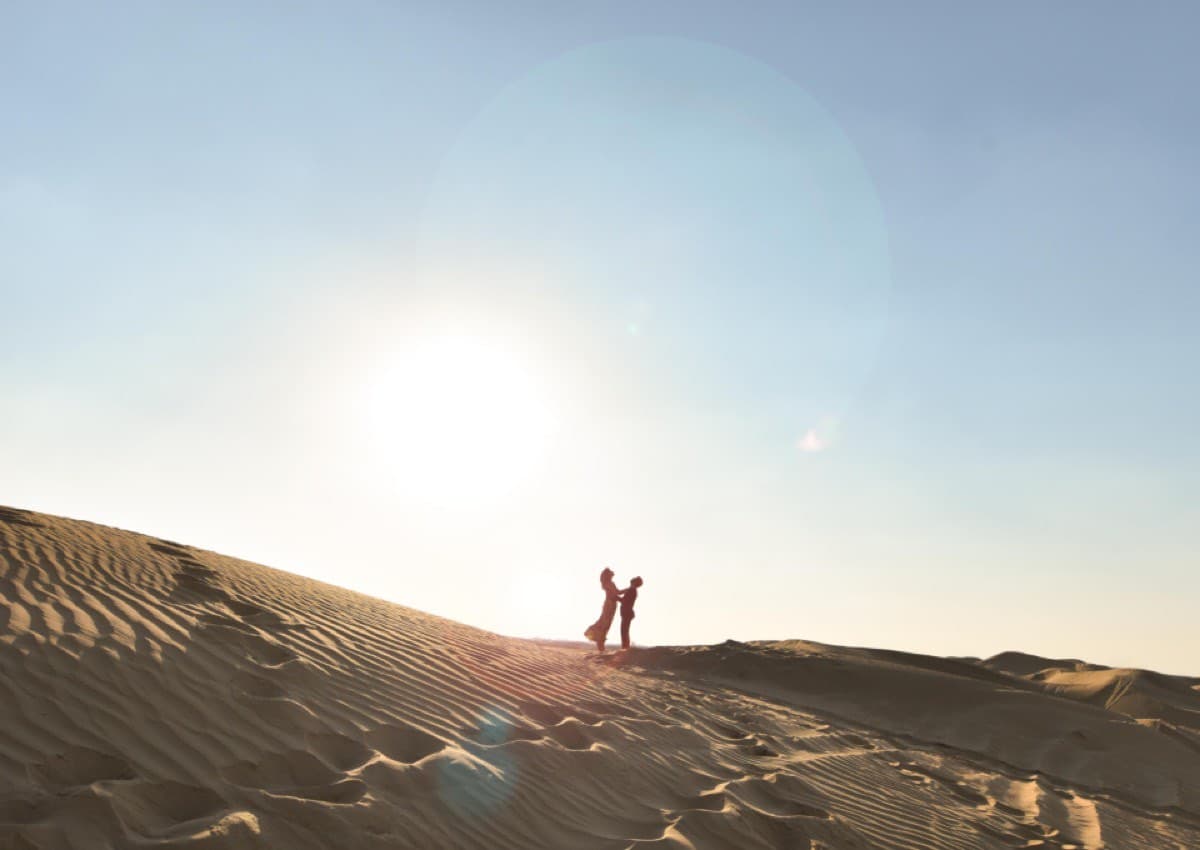 Instagram
Made the crest just before the sun did.
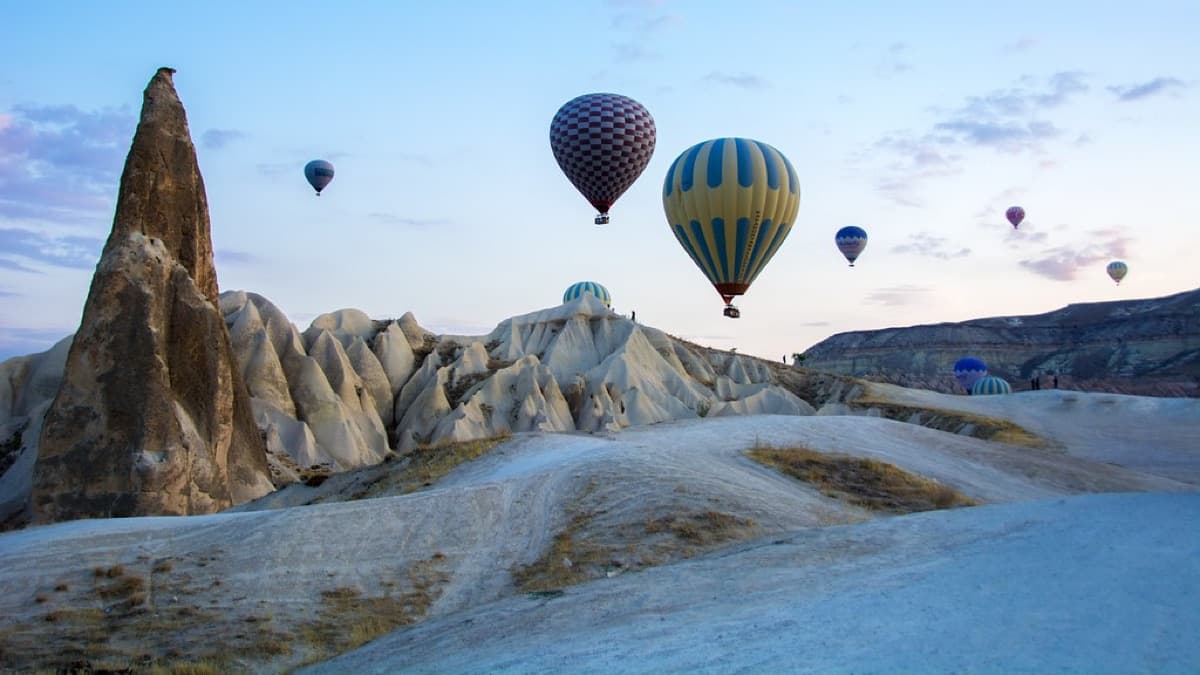 Instagram
Up before the balloons were.
End of the festival, and they let the whole lot go at once. Nobody said a word for about ten seconds.

A demo feed for an invented brand, showing 6 of the 10 live sources in one wall. The posts, reviewers and engagement numbers are illustrative, not product metrics. Every field on these cards is one the widget really renders, but the wall itself is drawn for this page rather than served by the widget.
Try the full design studio for 7 days, no credit card. When the trial ends you keep a plan a live site can actually run on.
An embeddable component that pulls videos from a public Vimeo account and displays them on your website as a live, self-updating section. You give it a username once, style it, and paste one snippet. From then on the section keeps up with the account on its own, and a visitor watches on your page instead of leaving for Vimeo.
No, and there is no screen where you could. Vimeo is read through a server-side application token we hold, not through your account, so adding a source is typing a username into a text field. Nothing is authorised, no permission dialog appears, and there is no connection to renew later. That is unusual: most platforms here need you to sign in through their own OAuth screen first.
Technically yes, because public videos are public and no permission is involved. Whether you should is a rights question rather than a technical one: embedding someone else’s film on a commercial page is their call to make, so ask them. The honest answer to what the product does is that it reads any public account, and we would rather say that plainly than pretend at a restriction the code does not have.
No, and this is a deliberate gap rather than an oversight. Vimeo returns both, and we store both on every video, but the widget’s renderer does not draw either one, so nothing on this page shows you a duration chip or a play count. A card shows the thumbnail, the title, the description, and the like and comment counts. We would rather leave a number out than draw one the product cannot actually put on your page.
Every public video on the account, newest first, in pages of 100 until there are no more. Private videos, password-protected ones and anything unlisted are not in the response Vimeo gives us, so the widget never sees them. After that first import, new uploads arrive on your plan’s schedule.
The widget is built not to: it is a single deferred script and one container element, the feed request starts in parallel with the script download, and the whole thing renders inside a Shadow DOM without touching your page’s CSS. A card shows a thumbnail image, not a player, so no video code loads until someone actually clicks. We deliberately do not publish speed-test leaderboards, and we explain that methodology decision, with our test data, in our side-by-side test of 8 feed widgets.
Vimeo itself, with no upgrade: 7 of the 40 layouts, every one of the 16 themes plus the theme builder, moderation, and a daily sync. Free widgets carry a small CollectSocials credit link; paid plans can remove it. The 7-day trial opens the full design studio (every layout, plus the separate mobile design) with no credit card.
New videos sync automatically on your plan’s schedule: every 24 hours on the free plan, hourly on Pro, every 15 minutes on Business and every 10 on Scale. Because there is no per-user token in the picture, there is also nothing that can expire and no reconnection prompt to meet six weeks from now.
Completely. Every imported video waits in a moderation view with approve, pin and remove controls, you can edit the description inline, and keyword rules plus an AI content filter can screen incoming videos before you ever see them. Useful even on your own account, where every film is yours but not all of them belong on a product page.
Yes. One feed can combine 10 platforms, including Instagram, YouTube, TikTok, Facebook and Google Reviews, into a single wall. Every platform is on the free plan except X (Twitter), which is premium for one reason: X charges for API access. YouTube is the usual second half of a video wall, and it has a page of its own.
Type a username, choose a layout, paste one snippet. The 7-day trial covers the full design studio and asks for no card.
Works with WordPress, Shopify, Wix, Squarespace, Webflow, Notion and plain HTML.