FeaturesPricingBlogResourcesAboutContact
Sign inGet Started Free

The event social wall the whole room can post to

Live walls for conferences, festivals and weddings. 11 modes built for venue screens, attendees posting from their phones with no app and no account, and nothing on the projector until you approve it.

Your first event runs free: a one-time 24-hour go-live window. No credit card, and no per-event fee to pay before you know it works in your room.

Beams fanning out over an audience from a lighting rig
priya.builds
A packed standing venue seen from the back of the room
marcus_t
A crowd from within, raised hands in silhouette
lena.k
Hands held up in a heart shape against warm stage lighting
sam_oduya
Two spotlights burning through heavy stage smoke
ines.rivera
Magenta and blue spotlight beams crossing above a stage
dan.w
priya.builds
The opening keynote actually delivered. Notes are a mess.
A guitarist in silhouette against backlit smoke
marcus_t
A vocal microphone on a boom stand in a hard spotlight
lena.k
A small club stage under red and white par cans
sam_oduya
Channel strips along an analogue mixing console
ines.rivera
dan.w
Whoever picked the venue playlist, thank you.
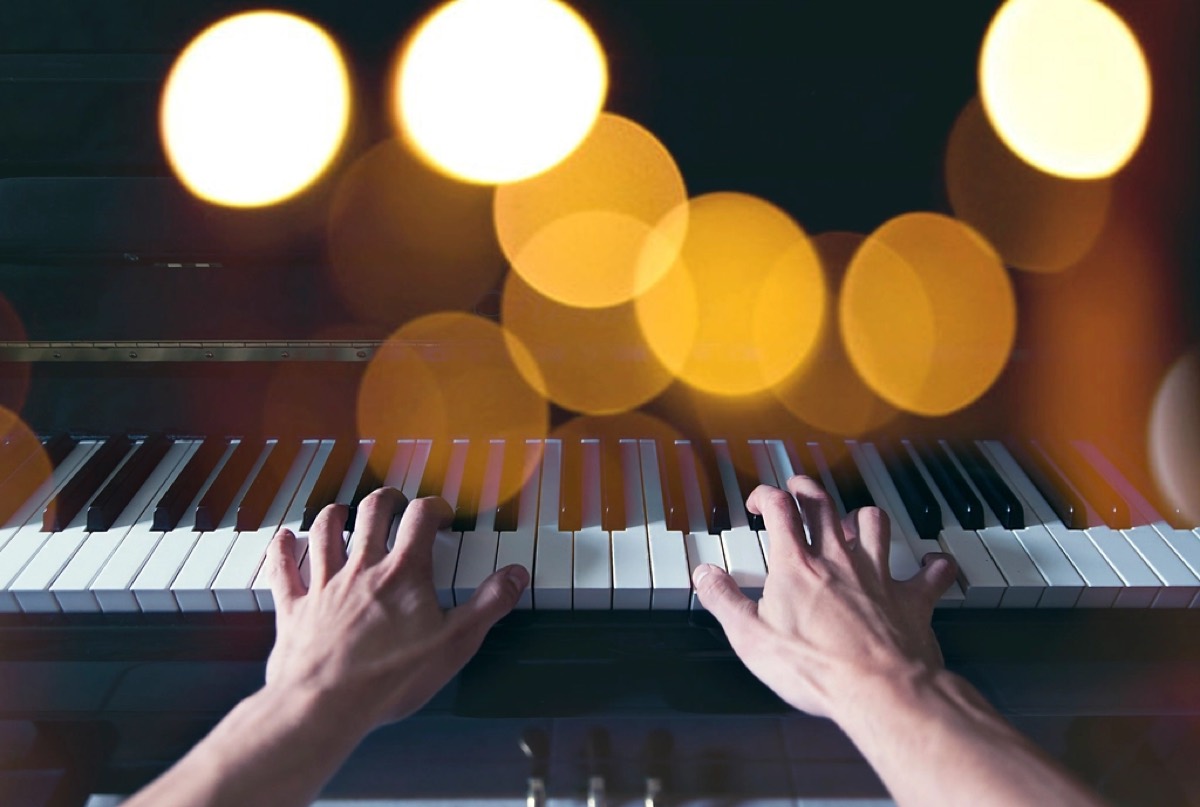
Two hands playing an upright piano, shot low across the keys
priya.builds
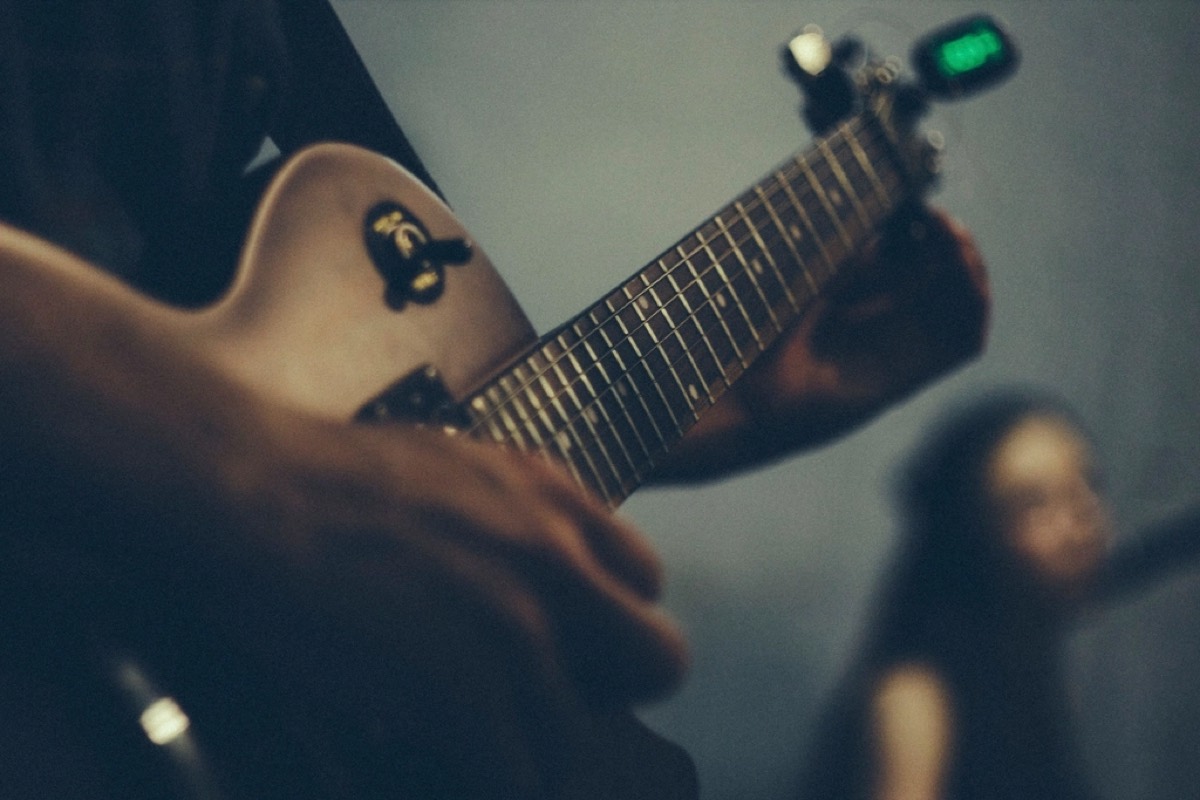
A close crop of a hand fretting an electric guitar
marcus_t
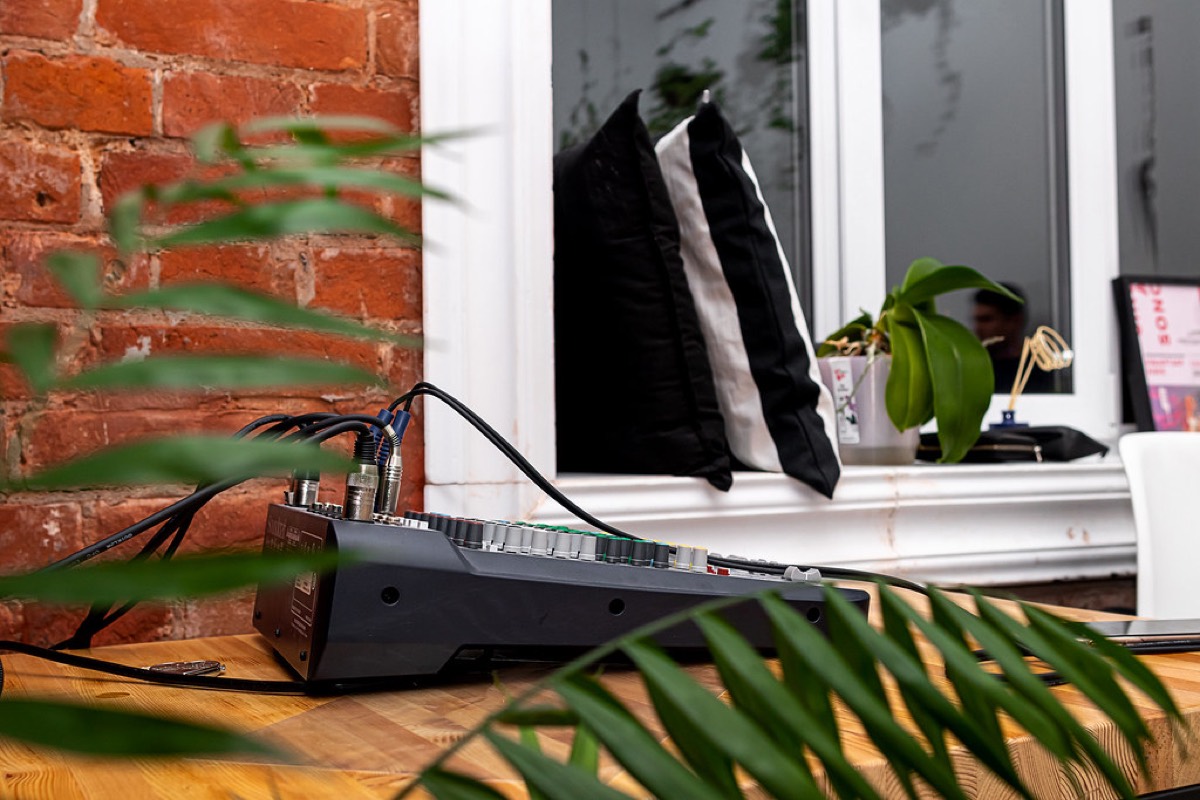
A small mixing desk patched with blue cables
lena.k
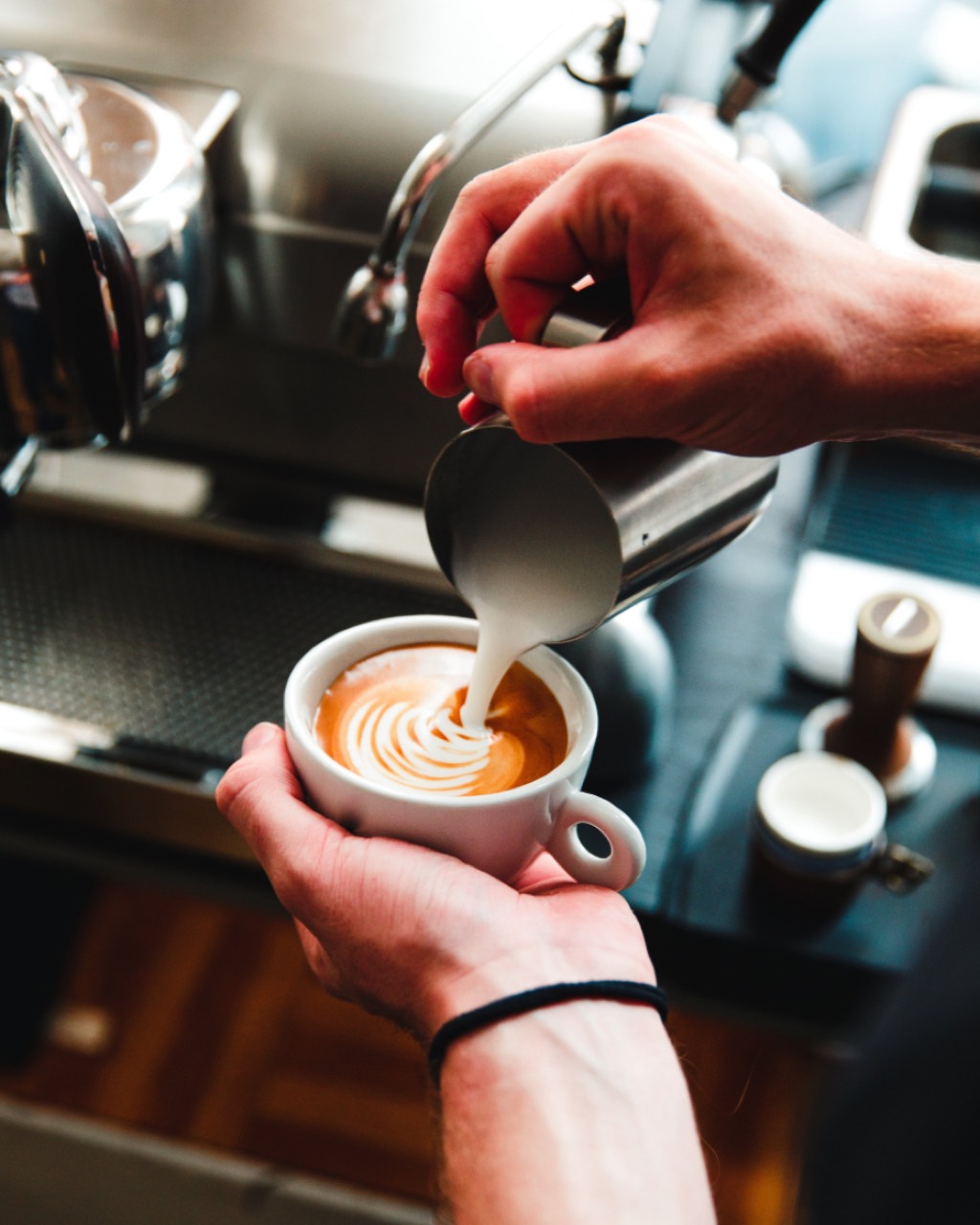
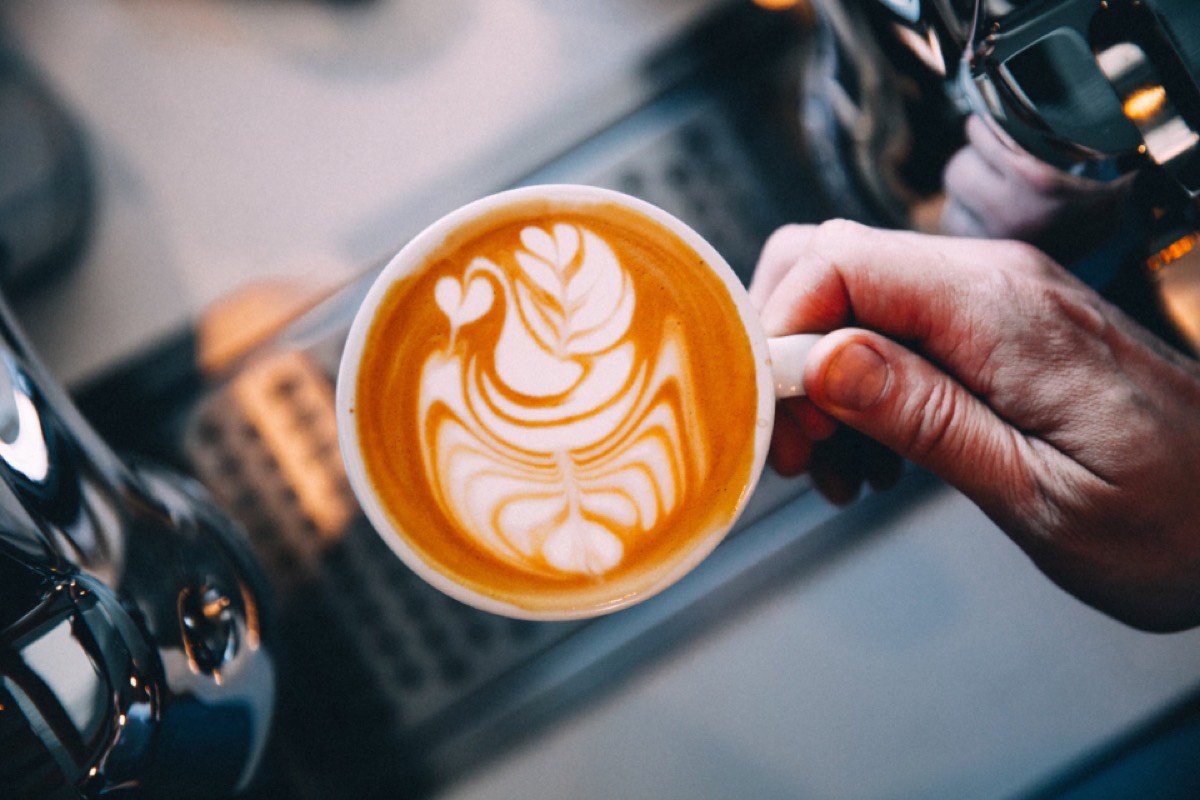
A rosetta poured into a cup held in one hand
sam_oduya
Dusted brownie squares on small gold-rimmed plates
ines.rivera
A wedge of tart packed with wild strawberries
dan.w
Four glazed eclairs laid out with a cappuccino
priya.builds
A gooseneck kettle pouring into a filter cone
marcus_t
#NorthwindSummitDoors close 18:00
Tile grid
Post to
the wall
11
Wall modes built for screens
0
Accounts an attendee needs to post
10
Platforms one wall can combine
~1s
To pull a connected-account post off every screen

Four things that decide whether a wall works on the day

11 modes

Rendered by the screen, not by an embed

Wall modes are sized in fractions of the screen, so the same wall fills a 4K projector and a portrait totem without either one looking stretched.

No sign-in

Nobody logs into your account on the venue machine

The screen shows a code, your phone claims it, and the screen redirects itself. The code dies after fifteen minutes.

No account

The room posts and votes from the phones it already has

Photo, message, question or a vote in your live poll, straight from the browser. No app, no login, and a consent tick the server actually enforces.

Nothing unseen

You approve it before the room sees it

Attendee posts wait in a queue by default, and pulling a connected-account post clears it from every screen in under a second.

One feed, from the room to your website

The wall is its own renderer, and the aggregation underneath is why it has something to show before the first attendee posts. Connected accounts, your hashtags and the phones in the room all arrive in the same queue.

  1. 1Collect10 platforms, plus photos and questions sent straight from the room
  2. 2ModerateKeyword rules on every plan, and a human queue in front of the projector
  3. 3ActivateVenue screens, projectors, expo totems, and your live stream
  4. 4ReuseThe same feed becomes the recap section on your website afterwards

11 modes, because a wedding and a trade show are not the same picture

Pick one and the screen below changes. Card walls read calmly and hold text posts, photo walls are loud and carry a room, stage modes give a single post the whole screen, and broadcast modes are for a stream or the strip under your slides. All 16 themes apply on top, so a mode carries your event branding rather than ours.

Card walls
Photo walls
Stage
Broadcast
Beams fanning out over an audience from a lighting rig
priya.builds
A packed standing venue seen from the back of the room
marcus_t
A crowd from within, raised hands in silhouette
lena.k
Hands held up in a heart shape against warm stage lighting
sam_oduya
Two spotlights burning through heavy stage smoke
ines.rivera
Magenta and blue spotlight beams crossing above a stage
dan.w
priya.builds
The opening keynote actually delivered. Notes are a mess.
A guitarist in silhouette against backlit smoke
marcus_t
A vocal microphone on a boom stand in a hard spotlight
lena.k
A small club stage under red and white par cans
sam_oduya
Channel strips along an analogue mixing console
ines.rivera
dan.w
Whoever picked the venue playlist, thank you.
Two hands playing an upright piano, shot low across the keys
priya.builds
A close crop of a hand fretting an electric guitar
marcus_t
A small mixing desk patched with blue cables
lena.k
A rosetta poured into a cup held in one hand
sam_oduya
Dusted brownie squares on small gold-rimmed plates
ines.rivera
A wedge of tart packed with wild strawberries
dan.w
Four glazed eclairs laid out with a cappuccino
priya.builds
A gooseneck kettle pouring into a filter cone
marcus_t
Tile grid

Every post in an identical square, photos leading and text slotting in between. The calmest thing you can put on a big screen, and the one that survives a long day without tiring a room.

These are recreations of each mode's layout built for this page, not screenshots, and the photographs are CC0 stand-ins for what a crowd would post. Mode names are the ones you pick from in the app.

Nobody signs into your account on the venue's computer

The screen at a venue is rarely yours, and typing a password into it on a stage twenty minutes before doors is how credentials end up living on someone else's machine. So the screen never sees your account at all: it shows a code, your phone claims it, and the screen redirects itself.

1
Open the screen

Point the venue TV, projector or laptop at collectsocials.com/tv. Any browser will do. Nothing is installed and nobody signs in on that machine.

2
Scan the code it shows

The screen displays a pairing code. Scan it with the phone you are already holding, and the code expires in fifteen minutes so a photograph of it later is worthless.

3
Pick the wall

Choose the feed and the mode on your phone. The screen redirects itself and starts playing. Change your mind mid-event and it follows.

The pairing code is drawn by us, server side, rather than fetched from a code-generating service. A venue screen loading a third-party script in front of a full room is a dependency we did not want to own.

One thing worth doing on the day: give the screen a wired connection if the venue wifi is at all uncertain. The wall keeps playing what it has already loaded through a brief drop and shows a reconnecting mark until it is back, so a wobble costs you nothing. A wire is what turns that into a guarantee.

The people in the room can post without an account

A wall that can only read public social profiles quietly excludes everyone with a private account, everyone who deleted the app, and most of the room over forty. Scanning the code on screen opens a page where anyone can send a photo, a message or a question for the Q&A, and vote in your live polls, from the browser they already have open.

1
They scan the code on the screen

The wall carries its own join code, so nobody has to be told a web address or find anything. Whatever phone they are already holding opens the page.

2
A camera booth opens in the browser

Front or back camera, a three second countdown, and a retake if they blink. No app to install, and no account at any point. They can pick something from the gallery instead, or send a message or a question for the Q and A.

3
They add a name and tick consent

Both are required and both are checked on the server, so a post cannot arrive anonymously or without somebody agreeing it can go on a screen in front of a room.

4
They vote in your live polls from the same page

Ask the room a multiple-choice question and the answers land on the big screen as bars that fill as the votes arrive. One vote per browser, no account, no second link to share. Venue Wi-Fi puts hundreds of phones behind one IP, so the wall counts them as the separate voters they are.

5
It waits for you, then it appears

The submission lands in your queue rather than on the projector. Somebody approves it from a phone, and the wall picks it up on its next refresh.

Post to Northwind Summit
Photo
Message
Question
A latte with rosetta art, taken on a phoneRetake
Priya M.
Coffee queue is the real networking track.
I took this and I am happy for it to appear on the event screens.
Send to the wall

A name and the consent tick are both required by the server, not just by the form, so a post cannot arrive anonymously or without somebody agreeing it can be shown.

Everything waits in a queue between the crowd and the projector

Approve, hold or pull, from a phone, by whoever is watching. The screen only ever shows what somebody let through. Pulling a post that came from a connected social account takes it off every screen in under a second, because the screens are told directly rather than waiting to ask.

On screen
On screen
Waiting
Pulled
Two streams, and they are guarded differently

Posts pulled from your own connected accounts go through filters: keyword rules on every plan, and image scoring that reads the picture rather than the caption on Business and above. Those filters do not run on attendee submissions. Anything a stranger in the room sends is held for a person instead, which is why review first is the default and why somebody needs to be watching the queue while the doors are open.

We would rather tell you that than let you assume a filter is standing behind the one stream the public can push to. If your event needs an unattended wall, the safe configuration is a feed of your own accounts with attendee posting switched off.

Sponsors, a countdown and the agenda, on the same screen

The wall is often the only screen a sponsor gets in front of the whole room, so their strip rotates across the bottom with a cross fade rather than a cut. A countdown covers whatever the room is waiting on, and the ticker carries agenda changes without anyone taking the wall down to announce them.

Beams fanning out over an audience from a lighting rig
City lights reflected in a canal
A neon-lit street at night
A packed standing venue seen from the back of the room
Hands held up in a heart shape against warm stage lighting
A crowd from within, raised hands in silhouette
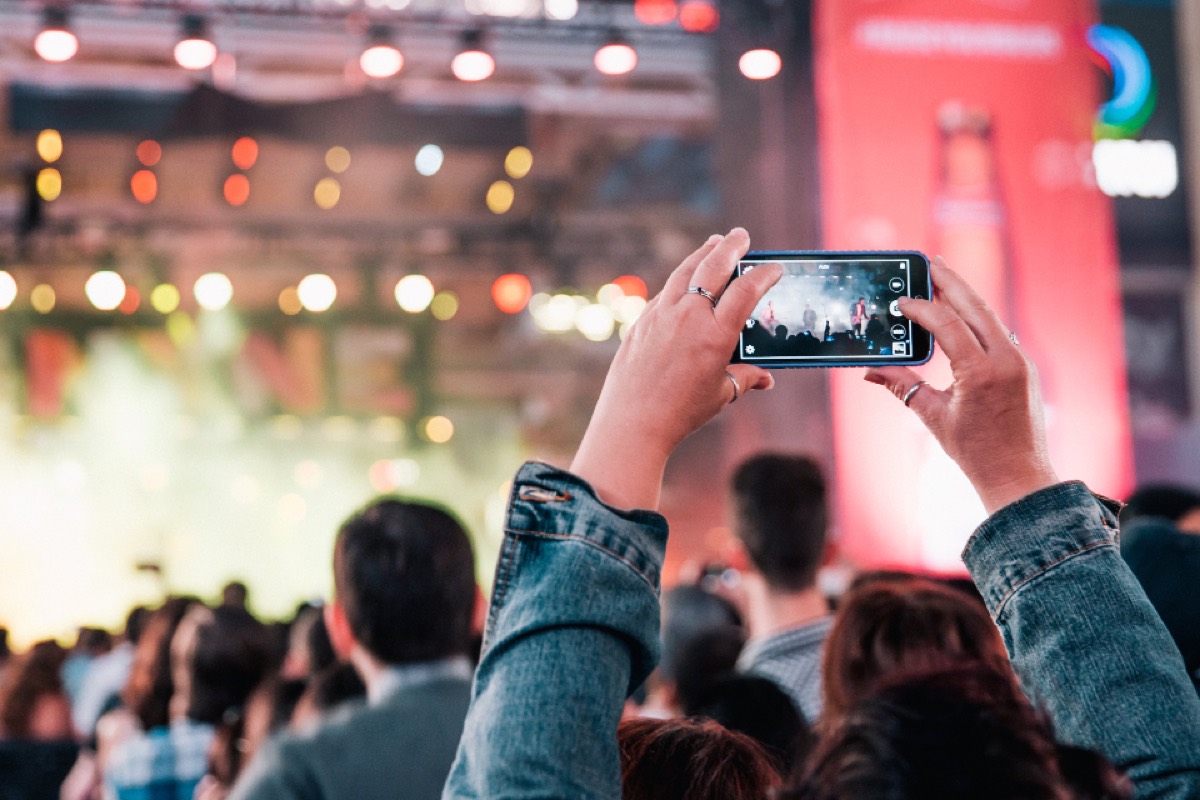
Hands holding a phone up to film a lit stage
Spotlights burning through heavy stage smoke
A rosetta poured into a cup held in one hand
#NorthwindSummitKeynote in 12:40
NEXT UP
Beams fanning out over an audience from a lighting rig
City lights reflected in a canal
A neon-lit street at night
A packed standing venue seen from the back of the room
Hands held up in a heart shape against warm stage lighting
A crowd from within, raised hands in silhouette
Hands holding a phone up to film a lit stage
Spotlights burning through heavy stage smoke
A rosetta poured into a cup held in one hand
Sponsored by

Northwind Summit is an invented conference used for these mockups, and the sponsor marks are blank placeholders rather than real brands. The photographs are CC0 stand-ins for what a crowd would post. The countdown, the agenda ticker and the sponsor strip are the wall's own overlays.

The same feed becomes the recap on your website

What the room made is the best thing you will have to show the people who did not come, and next year's ticket page is where it belongs. One feed drives both: the wall in the room, and an embedded section on the site afterwards, combining 10 platforms.

Priya R.2 weeks agoGoogle

Booked the sunrise trip on the strength of the photos and it was better than the pictures. The guides knew exactly where to be and when.

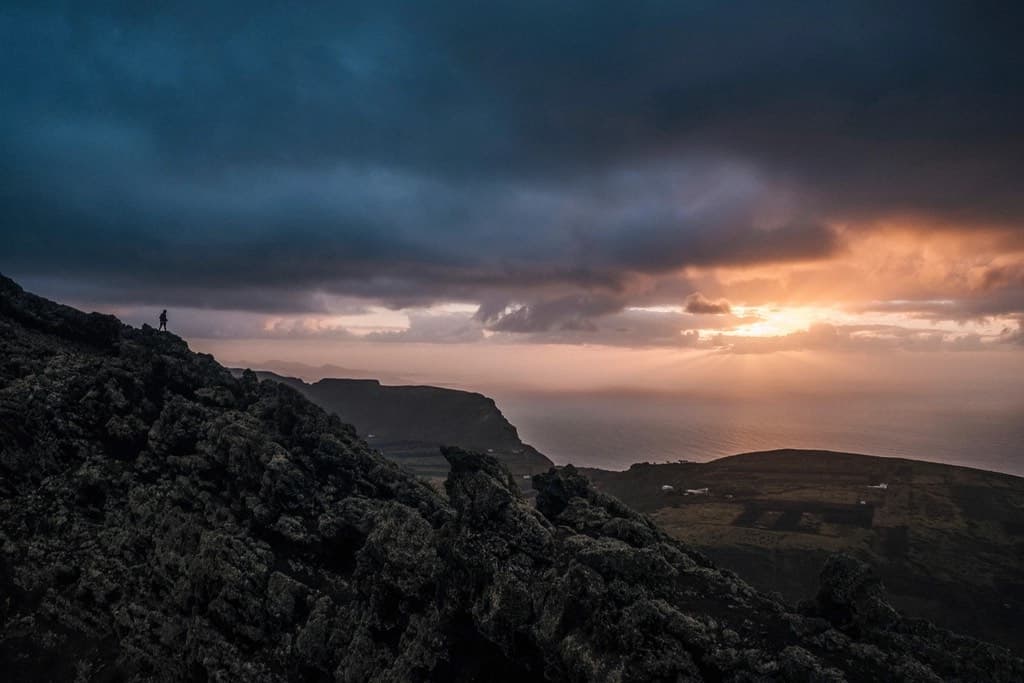
A walker standing on a dark volcanic ridge as the sun breaks under storm cloud over the seaYouTube

Three days on the ridge trail, start to finish

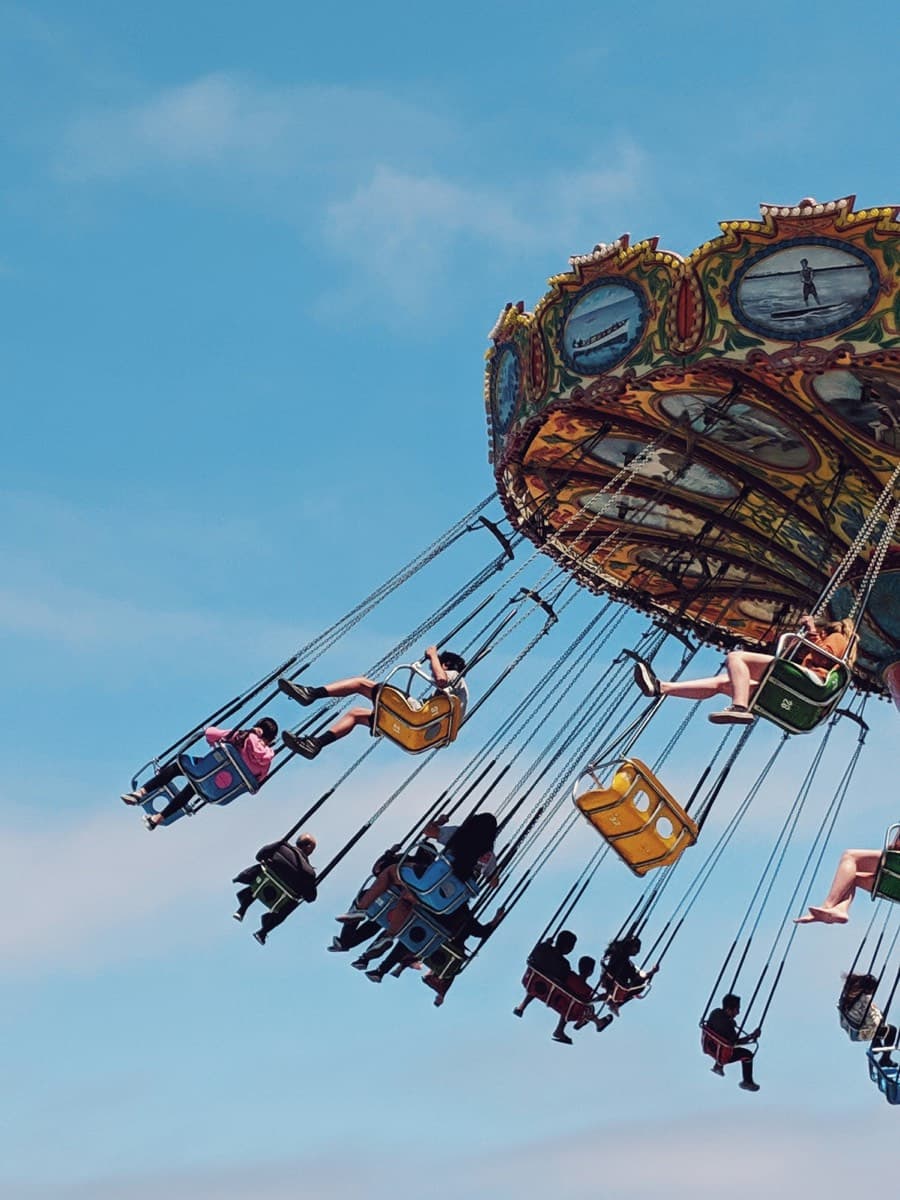
Riders on a painted swing carousel flung out over a clear blue sky, seen from belowTikTok

The swings go right out over the water

Atlas & Pine@atlasandpine · 3dTwitter/X

Sunrise crew made the ridge before the storm broke. Whole set is up on the site now.

Atlas & Pine5wFacebook

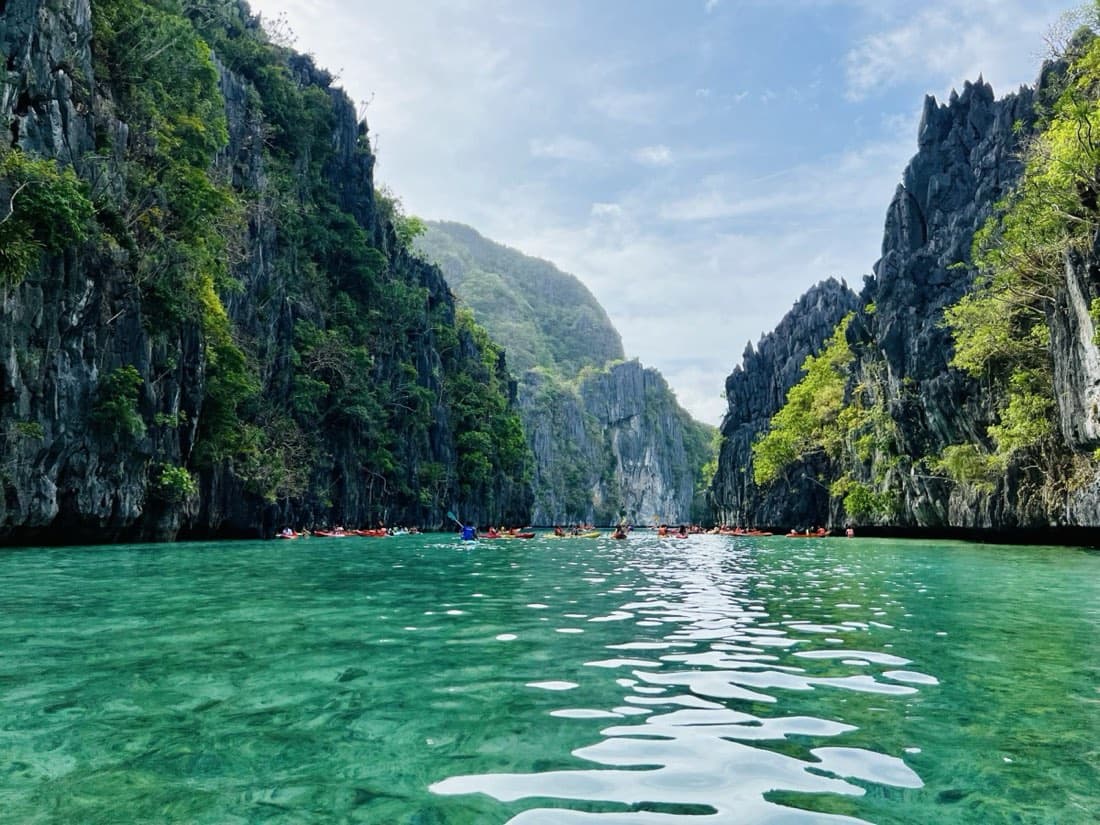
Lagoon day. Six boats out, nobody tipped in, and the water stayed that colour the whole afternoon.

Kayakers in red and yellow boats threading a turquoise lagoon between limestone cliffs
Marcus T.1 month agoGoogle

Second trip with them this year. Everything ran on time and the small group size is the whole point.

Someone dancing in front of a bright yellow wall, hair thrown across their faceInstagram

Found the yellow wall. Obviously we danced at it.

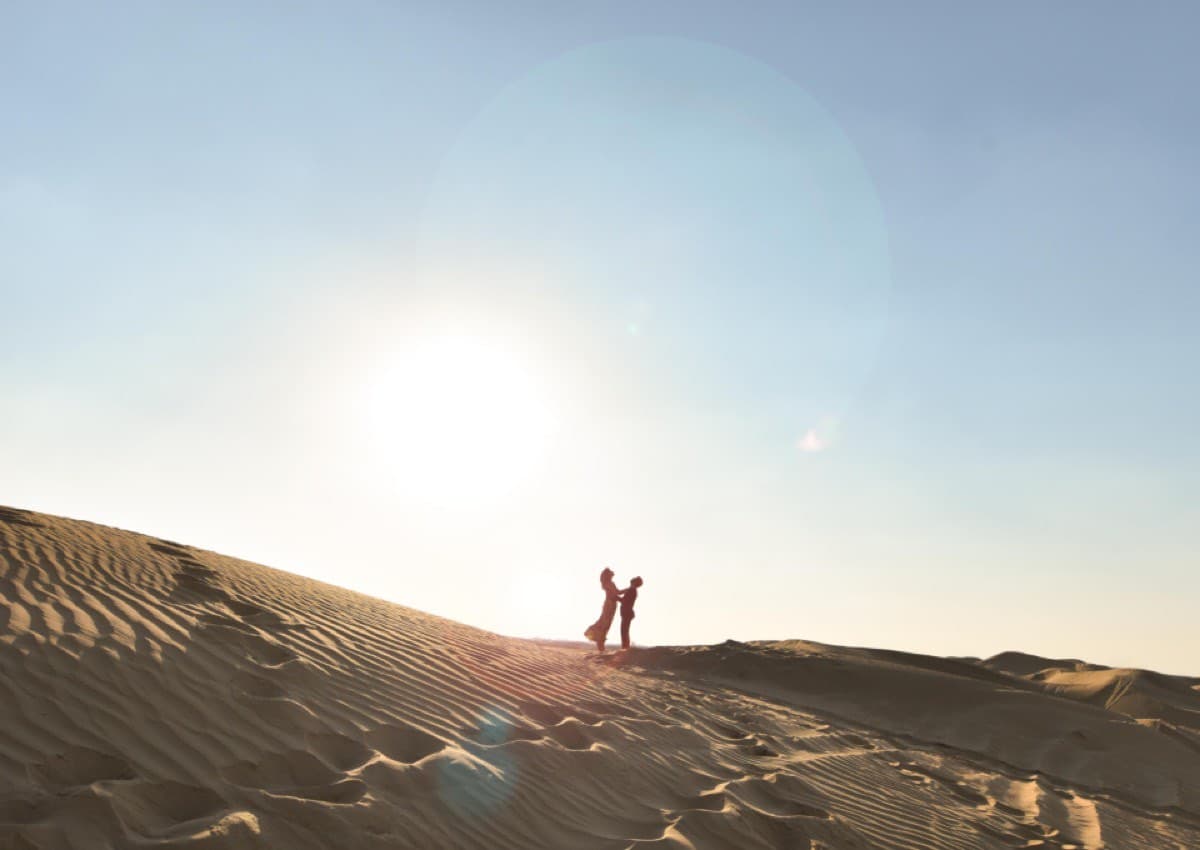
A couple silhouetted on a dune crest against a wide sunburst, ripples in the sand belowInstagram

Made the crest just before the sun did.

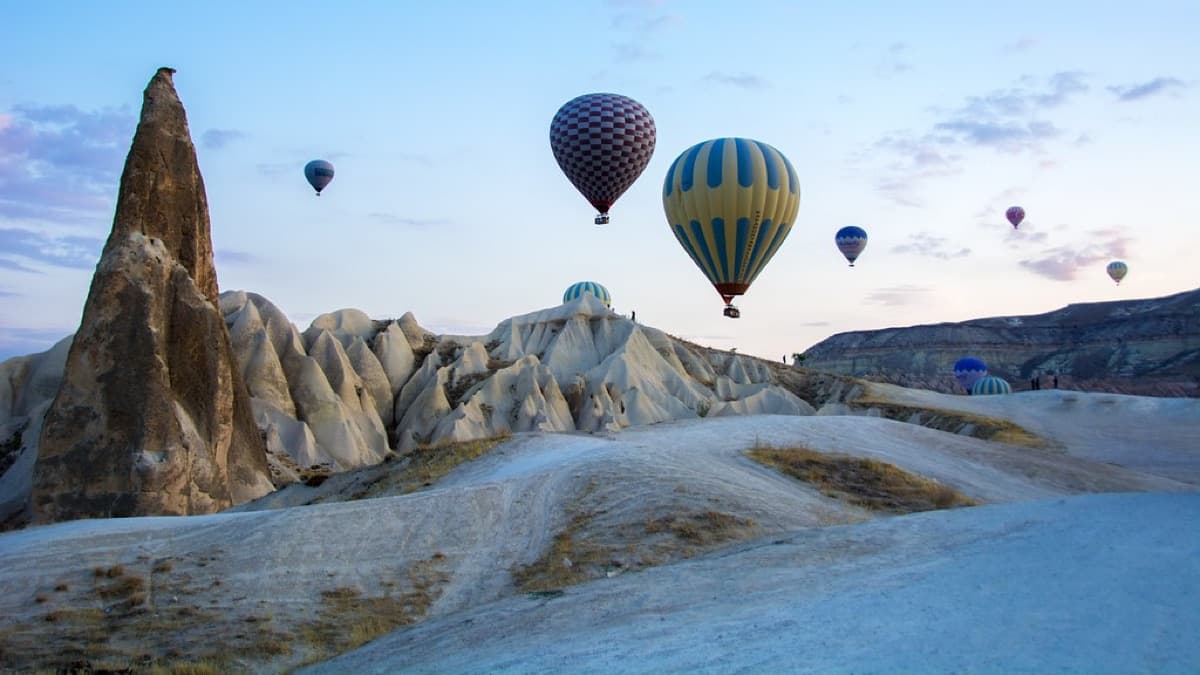
Hot-air balloons drifting over pale rock formations at dawnInstagram

Up before the balloons were.

Atlas & Pine7wFacebook

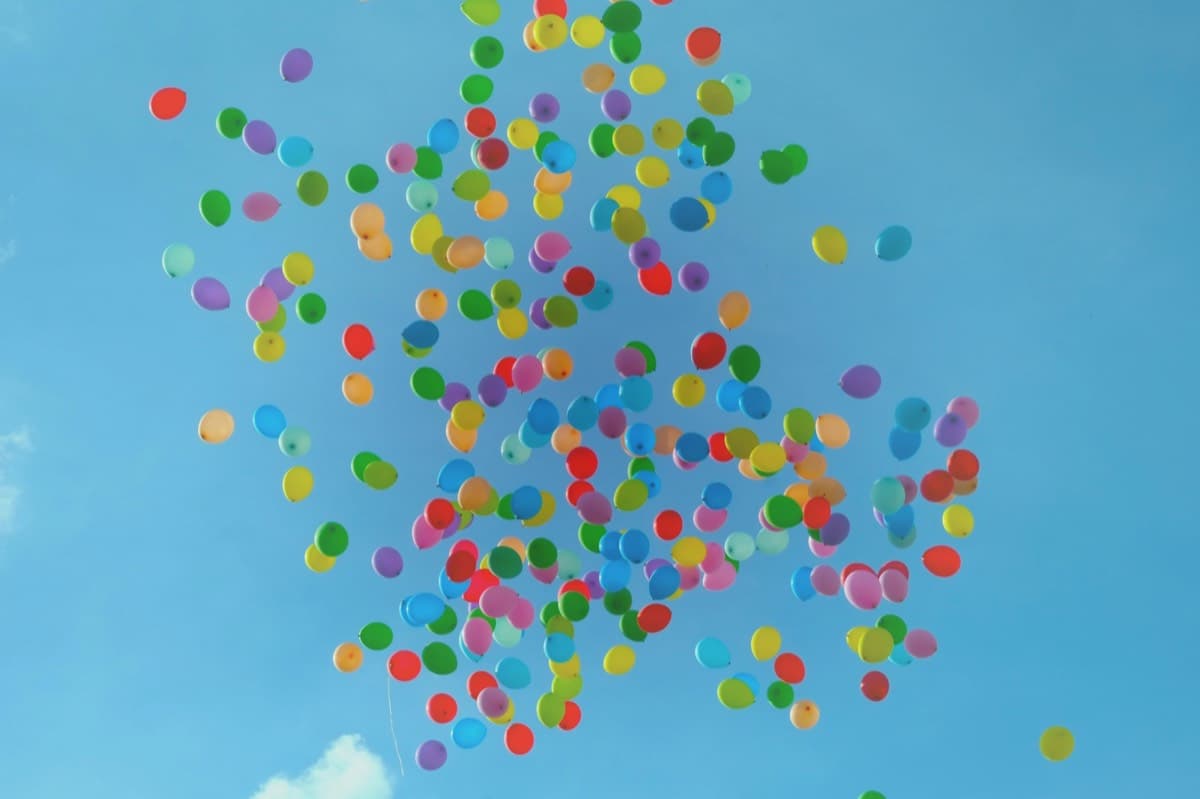
End of the festival, and they let the whole lot go at once. Nobody said a word for about ten seconds.

Hundreds of coloured balloons rising together into a clear blue sky

A demo feed for an invented brand, showing 6 of the 10 live sources in one wall. The posts, reviewers and engagement numbers are illustrative, not product metrics. Every field on these cards is one the widget really renders, but the wall itself is drawn for this page rather than served by the widget.

Running a hashtag for the event is the part most people get backwards, and it is worth reading how to run a hashtag campaign before you print it on the badges. For the operational side of the day itself, our guide to social media aggregators for events covers the run of show, and there is a separate walkthrough of getting a wall onto a venue projector.

No per-event price, and no attendee cap to buy through

Event walls sit on Business and above, and every team's first event runs free for 24 hours, so the honest way to evaluate this is to run it on a real screen rather than to read about it.

First event free, 24 hours, no card
  • Build and rehearse in test mode for as long as you like
  • One 24-hour go-live window: a clean wall for your event
  • Attendee posting, the approval queue and the overlays
  • All 11 wall modes; pair a real TV and see it running

Meant for running your first event properly, not a season of them.

Business, $59/month
  • Event walls, with unlimited people posting to them
  • Image moderation that scores the picture, not the caption
  • 15 connected sources across the platforms you use
  • Sponsor strip, countdown and agenda ticker

Monthly, cancellable. There is no single-event licence. Full pricing breakdown.

Event wall questions, answered straight

You started as a social media aggregator. Is the event wall a bolt-on?

No. The wall is a separate renderer with its own 11 big-screen modes, its own attendee posting hub, its own polls, its own pairing flow and its own moderation queue. On a venue screen the website embed bundle never loads at all, which is the opposite of a widget stretched onto a projector. Aggregation is the foundation underneath it rather than a competing product: the reason a wall has anything to show at the ten minute mark is that 10 platforms, your hashtags and the phones in the room are all feeding the same queue. A tool that only takes attendee uploads has an empty screen until somebody posts, and a tool that only reads public profiles leaves out everyone with a private account.

What is a social wall for an event?

It is a live screen at your venue that collects posts and shows them as they arrive: photos and messages from attendees, plus posts pulled from the social accounts and hashtags you connect. It runs on a projector, a TV, an expo totem or inside your stream. The point is that the room can see itself, which is what makes people post in the first place.

Do attendees need an account to post to the wall?

No, and this is the part most walls cannot do. Anyone can scan the code on the screen and send a photo, a message or a question straight to the wall from their phone with no login, no app and no social account. They type a name and tick a consent box, both required, and the post goes into your approval queue. That matters because a large share of any crowd has a private social account or no account at all, and a wall fed only by public profiles silently excludes them.

How do I get the wall onto a projector or venue screen?

Open our /tv address in any browser on the screen. It shows a pairing code, you scan it with your phone, you pick the feed and the mode, and the screen redirects itself and starts playing. Nothing is installed on the venue machine and nobody signs into an account on it, which is the practical bit when the screen belongs to the venue rather than to you. The code expires after fifteen minutes and mints a new one, so a photo of the screen taken earlier in the day is useless.

Can I approve posts before they appear on the screen?

Yes, and for anything an attendee sends, that queue is the whole control: review first is the default, posts wait until a person approves them, and nothing reaches the projector unseen. Be clear on what that means, because it is the honest version. Attendee submissions are not put through any automatic filter on any plan. A human is the gate, so somebody has to be watching the queue during the event. The automatic filters, keyword rules on every plan and image scoring on Business and above, run on posts pulled from your connected social accounts, which is a different stream from the one strangers in the room can push to.

Can I put an X (Twitter) or Instagram feed on the screen?

Yes. The wall shows whatever the feed behind it holds, and one feed can combine 10 platforms, so hashtag posts, your own accounts and attendee submissions can all land on the same screen. X is the one platform that sits on a paid plan rather than the free one, for the single reason that X charges for API access and we pay it per pull.

Does it work with digital signage players?

Partly, and it is worth being precise. There is no app to install in ScreenCloud, Yodeck, Enplug or Fugo. What works is any player or screen that can be pointed at a web address, which most can, and the wall then renders itself at whatever resolution that screen reports. If your signage stack requires a listed integration rather than a URL, this is not a fit.

What happens if the venue wifi drops mid-event?

The wall keeps showing what it has already loaded and puts a small reconnecting mark on screen after two failed attempts, then picks up where it left off when the connection returns. It does not cache a playlist in advance to survive a long outage, so if you know the room is bad, run the screen on a wired connection or a phone hotspot rather than hoping.

Can I put sponsor logos on the wall?

Yes. There is a sponsor strip that rotates through your sponsors with a cross fade, a countdown for whatever the room is waiting on, and an announcements ticker for agenda changes. If a sponsor image ever fails to load, the strip drops that slot rather than showing a broken image icon on a screen the whole room is looking at.

How much does a live event wall cost?

Event walls are on the Business plan at $59 a month and above, and every team's first event runs free: you schedule a one-time 24-hour go-live window from the wall settings, on any plan, no card. Before that the wall builds and previews in test mode for as long as you like. There is no separate per-event price and no attendee cap to buy up through. Website feed widgets, which are the other half of what we do, start on the free plan.

Who is running the wall during the event?

Whoever you want, from a phone. Approving, hiding and switching modes all work from a handset, so the person watching the queue does not need to be sitting at the machine driving the screen. That is usually the difference between a wall somebody is actually moderating and a wall nobody is watching.
Put a wall on a screen before you decide

Build the feed, pick a mode, and open the wall link on any screen you have. Test mode is free for as long as you like, your first event runs free for 24 hours with no card, and scheduling that window unlocks QR pairing to any TV for the week before it. You will know within an hour whether this works for your room.

Works on any TV, projector, totem or laptop with a browser.