FeaturesPricingBlogResourcesAboutContact
Sign inGet Started Free

The social wall for a whole university campus

One feed per department, combined on the screens in your buildings and embedded on your website. Students post from their phones at open days with no app and no account, and staff approve everything before a public building shows it.

Run a real open day on your free 24-hour go-live window. No credit card, and no purchase order to raise before you know it works in your atrium.

A runner far down a tree-lined avenue at dawn, low sun breaking between the trunks
The fanned pages of an open book catching soft daylight
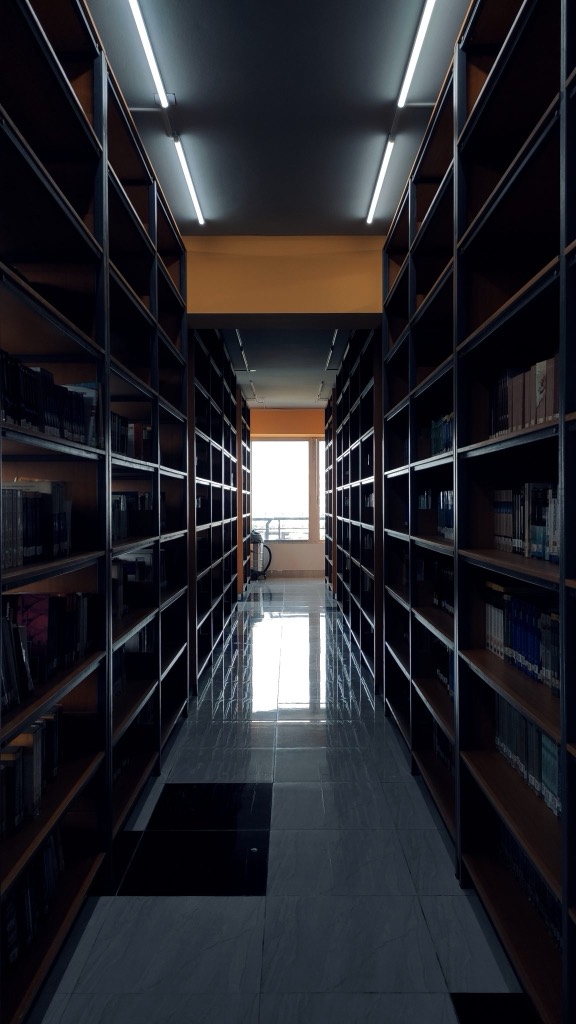
A narrow aisle between two tall library bookcases, receding towards a bright window
Lane numbers painted across a red running track, shot low along the lane lines
Two hands playing an upright piano, amber stage lights blurred above the keys
Beams fanning out over an audience from a lighting rig at a graduation ceremony
A paint palette loaded with colour, brushes and small prints across a wooden table
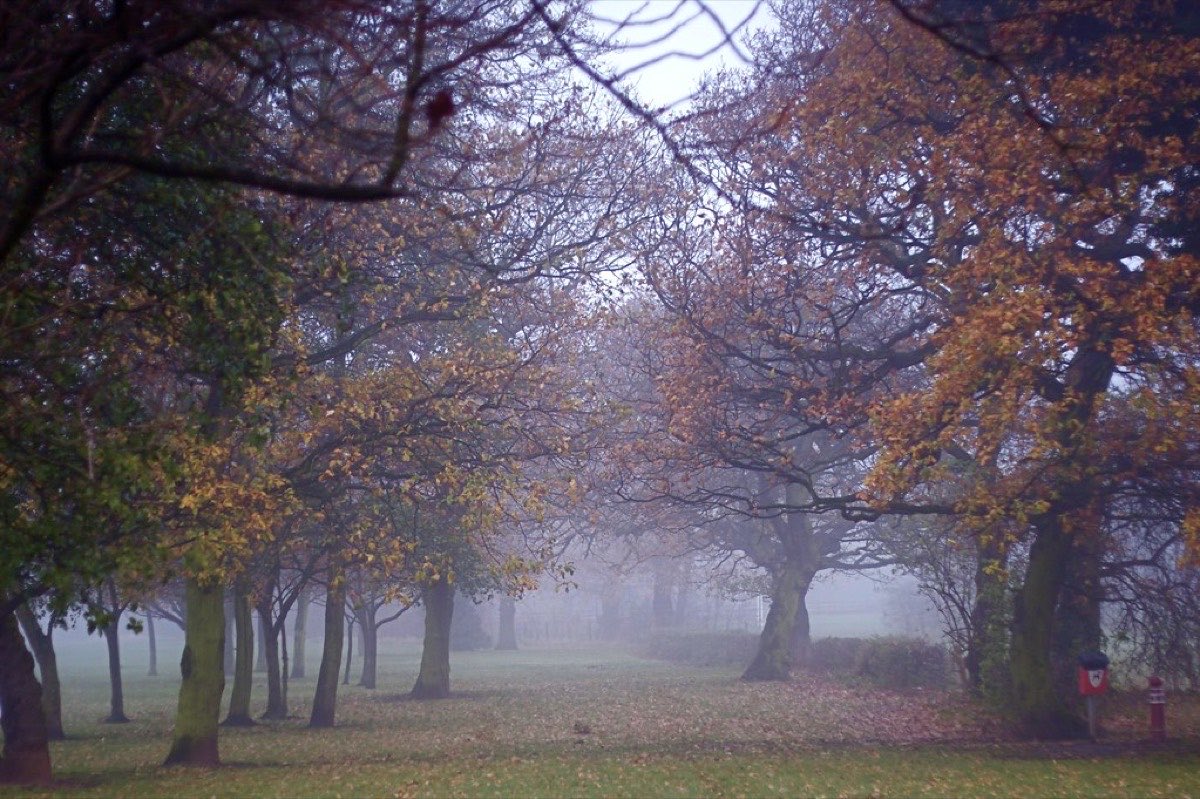
Rust-coloured trees in a campus park with fog sitting between them
The 1500m start marking painted on a red running track
#BrackenmoorLifeOpen day 09:30
Post to the screen
Department feeds, on every plan
0
Accounts a student needs to post
10
Platforms one feed can combine
11
Wall modes built for campus screens

Four things that decide whether a university keeps using it

Per department

Athletics does not have to share a feed with the library

Every department runs its own feed with its own sources and its own approvers, and those feeds roll up into one screen for shared spaces. Feeds and team members are both unlimited on every plan, including the free one.

Nothing unseen

Staff approve it before a public building shows it

A campus screen sits in front of prospective students, parents and the public. Review first is the default, so the screen only ever shows what somebody let through.

No sign-in

Nobody types an institutional password into a shared machine

The screen shows a code, your phone claims it, and the screen redirects itself. Your credentials never touch a machine the AV team or the estates office owns.

Two surfaces

The same feed runs the atrium and the campus life page

One feed combining 10 platforms drives the screen in the building and the embed on your website, so the open day the room saw is the page an applicant reads that evening.

Why every university department needs its own feed

Athletics posts results, the library posts opening hours, admissions posts open days and every faculty runs its own thing. Pour all of that into one feed and you get a wall that serves nobody. So each department keeps its own feed, its own sources and its own approvers, and the shared spaces show the combination. Feeds and team members are both unlimited on every plan, which is why this structure is available to a department running a pilot before anyone has approved a budget.

Admissions
Instagram, TikTok, YouTube
Approved by its own staff
Athletics
Instagram, Facebook, X
Approved by its own staff
Library
Instagram, Facebook
Approved by its own staff
Arts and music
Instagram, YouTube, Vimeo
Approved by its own staff
Screen
The atrium wall

One combined feed on the screen in the main building, running every department at once so the space shows the whole institution rather than whoever shouted loudest.

Website
The campus life page

The same feed embedded on the site, and each department feed available on its own page, so athletics does not have to appear on the music school's page to exist.

A diagram of how the feeds nest, not a screenshot. Brackenmoor University is invented for these mockups and is not a real institution.

How staff approve posts before a campus screen shows them

This is the question that stops most campus display projects, and it has a straightforward answer: nothing is published that was not approved. Posts wait in a queue, a member of staff releases them, and pulling a post that came from a connected account takes it off every screen in under a second because the screens are told directly rather than waiting to ask.

Athletics account
On the screen
Library account
On the screen
Campus hashtag
Waiting for review
Campus hashtag
Not published
Two streams, and they are guarded differently

Posts pulled from your own department accounts go through filters: keyword rules on every plan, and image scoring that reads the picture rather than the caption on Business and above. Those filters do not run on what a student sends from a phone or on what arrives through a campus hashtag. Those are held for a person instead, which is why review first is the default and why somebody needs to be watching the queue while an open day is running.

We would rather say that than let an institution assume a filter is standing behind the one stream the public can push to. For a lobby screen nobody is watching, the safe configuration is a feed of official department accounts with student posting switched off.

Open day posting, with no app and no account

An open day is the one day a year your campus is full of people deciding whether to spend three years there, and a wall fed only by public social profiles misses most of them. Scanning the code on screen opens a page where anyone can send a photo, a message or a question, and vote in your live polls, from the browser they already have open.

1
They scan the code on the screen

The wall carries its own join code, so nobody has to be told a web address or handed a leaflet. Nobody has to be handed a leaflet or told a web address while they are already carrying a prospectus and a coffee.

2
A camera booth opens in the browser

Front or back camera, a countdown, and a retake if they blink. No app to install and no account at any point. They can send a photo of the lab they just walked through, or type the question they did not want to ask in front of the group.

3
They add a name and tick consent

Both are required and both are checked on the server, so a post cannot arrive anonymously or without somebody agreeing it can go on a screen in a public building.

4
They vote in your live polls

Ask the room which course they came to see, or how they heard about you, and the answers land on the screen as bars that fill as the votes arrive. One vote per browser, no account. Campus Wi-Fi puts hundreds of phones behind one address, so the wall counts them as the separate voters they are.

5
It waits for staff, then it appears

The submission lands in your queue rather than on the screen. Somebody approves it from a phone while they walk the tour, and the wall picks it up on its next refresh.

Post to Brackenmoor
Photo
Message
Question
Rust-coloured trees in a campus park with fog between them, taken on a phoneRetake
Rosa T.
Third open day and this campus still wins in November.
I took this and I am happy for it to appear on the campus screens.
Send to the wall

The server requires the name and the consent tick, not just the form, so nothing reaches a screen in a public building from an anonymous sender or from somebody who never agreed to it. Brackenmoor University is invented for these mockups.

Getting a wall onto a campus screen you do not administer

On a campus the screen usually belongs to estates, the AV team or the students union, and getting software installed on it is a ticket rather than an afternoon. So nothing is installed. The screen opens a web address, shows a code, and your phone tells it what to play.

1
Open the screen

Point the atrium display, lecture theatre projector or lobby TV at collectsocials.com/tv in any browser. Nothing is installed on a machine your IT team owns.

2
Scan the code it shows

The screen shows a pairing code and your phone claims it. Nobody types an institutional password into a shared machine, and the code expires after fifteen minutes.

3
Pick the feed

Choose which feed and which mode from your phone. The screen redirects itself. Switch the atrium from term-time to open day from the doorway.

What decides whether this happens at all is procurement rather than technology. Estates will not install software on an atrium display for a marketing campaign, IT will not hand out the podium login, and asking for either becomes a ticket that outlives the open day it was raised for. A web address needs neither, which is how a department gets a wall onto a screen it has no administrative rights to.

Worth asking the AV team for while you are still booking the room: a wired port rather than the guest network. Lecture theatre Wi-Fi is provisioned for a hall full of phones, not for one screen that has to hold a connection through a six hour open day. The events page carries the full pairing walkthrough, including what the wall does when a connection drops mid-session.

Embedding the feed on your university website

A prospectus is a photograph of an institution on its best day. A live feed is the institution this week, and it is the thing an applicant checks after the campus tour. One feed drives both: the wall in the building and the section on the site, combining 10 platforms.

The campus life page
Masonry

Student photography arrives in every shape there is, and a grid of fixed squares crops the best of it. Masonry lets a portrait of a lecture theatre sit beside a wide shot of the quad without either being trimmed to fit.

The admissions page
Quote wall

What a current student writes about a place persuades an applicant more than what the prospectus writes. A quote wall puts the words first and the photo second, which is the right order when the content is testimony.

Course and open-day pages
Video gallery

Campus tours, lecture clips and student takeovers are video first. A gallery treats them as video rather than as thumbnails that happen to move, and pulls from YouTube, TikTok and Vimeo in the same wall.

The alumni and news page
Timeline

An academic year has a shape, and graduation, results day and freshers week read better in sequence than shuffled. A timeline keeps the order the year actually happened in.

Priya R.2 weeks agoGoogle

Booked the sunrise trip on the strength of the photos and it was better than the pictures. The guides knew exactly where to be and when.

A walker standing on a dark volcanic ridge as the sun breaks under storm cloud over the seaYouTube

Three days on the ridge trail, start to finish

Riders on a painted swing carousel flung out over a clear blue sky, seen from belowTikTok

The swings go right out over the water

Atlas & Pine@atlasandpine · 3dTwitter/X

Sunrise crew made the ridge before the storm broke. Whole set is up on the site now.

Atlas & Pine5wFacebook

Lagoon day. Six boats out, nobody tipped in, and the water stayed that colour the whole afternoon.

Kayakers in red and yellow boats threading a turquoise lagoon between limestone cliffs
Marcus T.1 month agoGoogle

Second trip with them this year. Everything ran on time and the small group size is the whole point.

Someone dancing in front of a bright yellow wall, hair thrown across their faceInstagram

Found the yellow wall. Obviously we danced at it.

A couple silhouetted on a dune crest against a wide sunburst, ripples in the sand belowInstagram

Made the crest just before the sun did.

Hot-air balloons drifting over pale rock formations at dawnInstagram

Up before the balloons were.

Atlas & Pine7wFacebook

End of the festival, and they let the whole lot go at once. Nobody said a word for about ten seconds.

Hundreds of coloured balloons rising together into a clear blue sky

A demo feed for an invented brand, showing 6 of the 10 live sources in one wall. The posts, reviewers and engagement numbers are illustrative, not product metrics. Every field on these cards is one the widget really renders, but the wall itself is drawn for this page rather than served by the widget.

For the strategy behind what a university should be posting in the first place, our guide to social media marketing for universities covers the student decision journey and which platform earns which job. If you are a school rather than a university, social media displays for schools covers approval workflow, student privacy and keeping a lobby screen alive. And before you print a campus tag on the freshers pack, read how to run a hashtag campaign.

What a university social wall costs

Website feeds start free. Live walls on campus screens sit on Business and above, and the first event runs free for 24 hours, so a department can run a real open day before anyone raises a purchase order.

First event free, 24 hours, no card
  • Build and rehearse in test mode for as long as you like
  • One 24-hour go-live window: run a real open day on it
  • Student posting, the approval queue and live polls
  • Pair a real atrium screen or projector and watch it run

Meant for running one real open day properly, not a whole admissions cycle.

Business, $59/month
  • Campus walls, with unlimited people posting to them
  • Unmetered page views, which a university site needs
  • 15 connected sources across your departments
  • Image moderation that scores the picture, not the caption

Monthly and cancellable. Feeds and staff accounts stay unlimited on every tier. Full pricing breakdown.

Campus wall questions, answered straight

What is a social wall for a university?

It is one feed that collects posts from your official accounts, your campus hashtag and the phones in the room, and shows them in two places: on screens around campus, and embedded on your website. On a screen it runs as a live wall with 11 display modes built for atriums, lecture theatres and portrait totems. On the website it renders as a section of your campus life or admissions page that stays current without anyone updating it.

Can each department have its own feed and its own approvers?

Yes, and it is the part that decides whether a university actually keeps using this. Feeds are unlimited on every plan including the free one, and so are team members, so athletics, the library, admissions, the arts faculty and every school can each run a feed with their own sources and their own staff approving their own content. Those feeds combine into one wall for shared spaces, so the atrium shows the whole institution while a department page shows only that department.

How do we stop something inappropriate reaching a screen in a public building?

Review first is the default: posts wait in a queue and a person releases them, so nothing reaches a screen unseen. The distinction matters more here than almost anywhere, so it is worth stating plainly. The automatic filters, keyword rules on every plan and image scoring on Business and above, run on posts pulled from your own connected accounts. They do not run on what a stranger sends from a phone. For that stream a human is the gate, which is why somebody needs to be watching the queue while an open day is running. If you want an unattended screen in a lobby, the safe configuration is a feed of your official department accounts with student posting switched off.

Do students need an account to post at an open day?

No, and it matters more on a campus than almost anywhere else. Anyone can scan the code on the screen and send a photo, a message or a question straight from their phone with no login, no app and no social account. They type a name and tick a consent box, both required and both checked on the server, and the post goes into your approval queue. A wall fed only by public social profiles quietly excludes every applicant with a private account and most of the parents walking round with them.

How do we get a wall onto an atrium screen or a lecture theatre projector?

Open our /tv address in a browser on that screen. It shows a pairing code, you scan it with your phone, you pick the feed and the mode, and the screen redirects itself. Nothing is installed and nobody signs into an institutional account on a machine your AV or estates team owns, which is usually the blocker when the display is not yours to administer. The code expires after fifteen minutes, so a photograph of the screen taken earlier is useless.

Can we run a campus hashtag and show what students post to it?

Yes, with one thing worth knowing before you print it on the freshers pack. Hashtag collection runs through Instagram and Facebook, and on X with any paid plan. The Instagram route needs an Instagram Business account linked to a Facebook Page, which most university marketing teams already have. Everything a hashtag brings in lands in the same review queue as everything else, so running a campus tag does not mean handing the screen to whoever uses it.

We are a school rather than a university. Does this still fit?

The product is the same and nothing here is higher-ed only, but the questions are different enough that we wrote them up separately: approval as a staffing problem rather than a technical one, COPPA and student privacy, and keeping a lobby display alive without it becoming somebody a second job. Start with our guide to social media displays for schools, which covers the K-12 version of every decision on this page.

Does it work with the digital signage system we already run?

If your player can open a web address, yes, and most can. Point it at the wall and it renders itself at whatever resolution that screen reports. There is no app to install in a signage platform, so if your stack requires a listed integration rather than a URL, this is not a fit.

Will it match our institutional branding?

All 16 themes are available on every plan, and the theme builder is too, so you can set your own colours, fonts and card shapes rather than picking the closest preset. A university brand book usually specifies exact hex values, and those go in directly. The wall carries your branding on the screen and the embed carries it on the page.

How much does this cost for a university?

Website feeds start on the free plan. Live walls on campus screens are on the Business plan at $59 a month and above, and every team's first event runs free: schedule a one-time 24-hour go-live window and run a real open day on a real screen before deciding anything, no card. There is no per-event price, no per-screen licence and no attendee cap to buy through, which is the pricing shape most institutions are expecting to have to negotiate.

Who runs the wall during an open day?

Whoever is already walking the tour, from a phone. On a campus this is almost always the student ambassadors already on shift. Approving and hiding work from a handset, so whoever is watching the queue can do it between tour groups rather than being pinned to a laptop in the atrium for the whole day.


Put your campus on a screen before you commit

Build one department's feed and open the wall link on any screen you can reach. Test mode is free for as long as you like, your first open day runs free for 24 hours with no card, and scheduling that window unlocks QR pairing to campus screens for the week before it. You will know within an hour whether it belongs in your atrium.

Works on any lecture theatre projector, atrium display, totem or laptop with a browser.